Help
Using the forum
Reading, posting, replying and editing

Reading the forum
Anyone can read the forum — no account needed. It’s organized into categories such as Sightings & Hotspots and Bird ID Help. Pinned topics stay at the top of a category; a lock icon means a topic is closed to new replies.
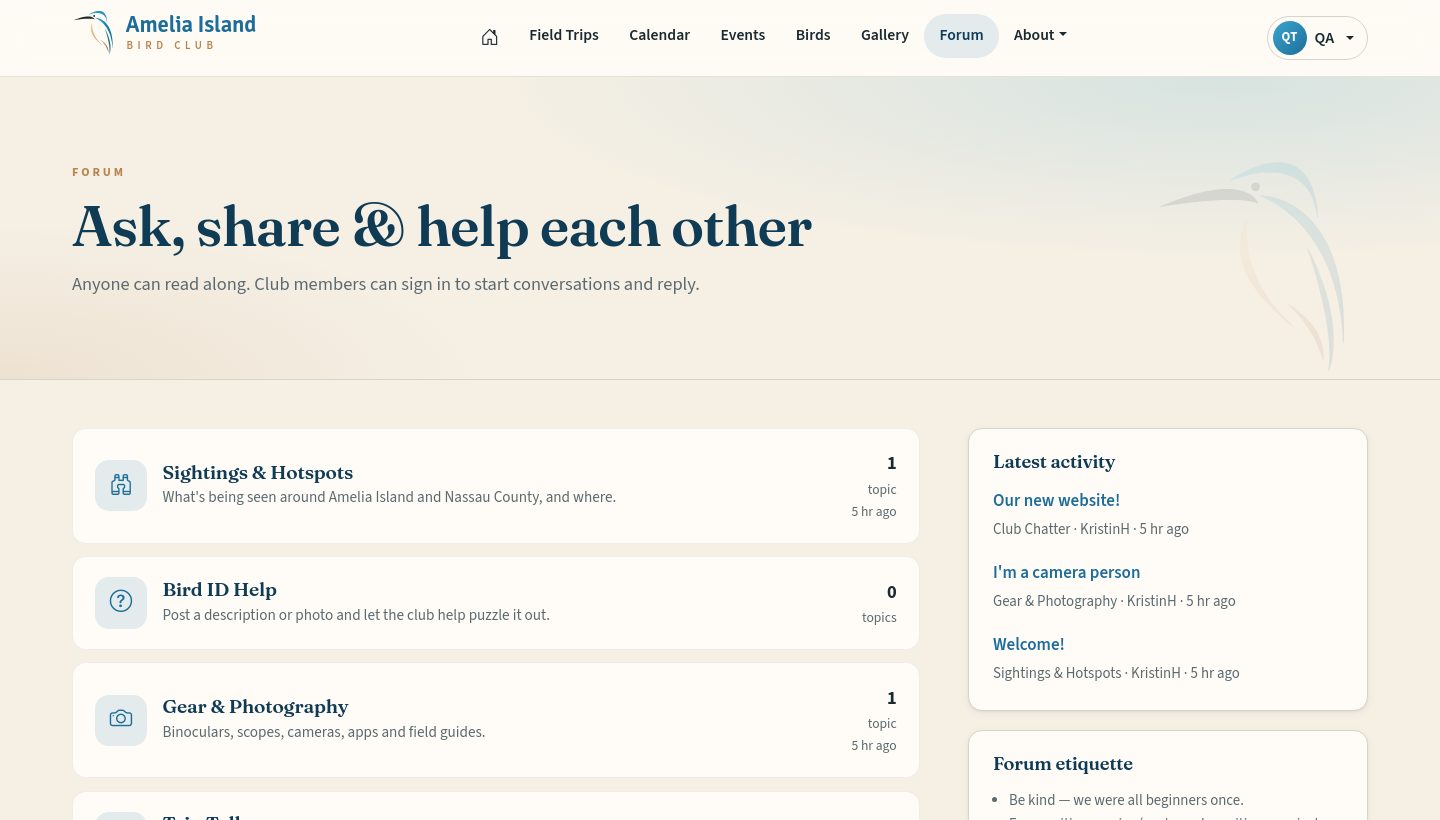
Starting a topic
Sign in, open a category and tap Start a topic. Give it a clear title (“Swallow-tailed Kites over Crane Island?”) and write your message.
Replying
Open the topic and use the Your reply box at the bottom.
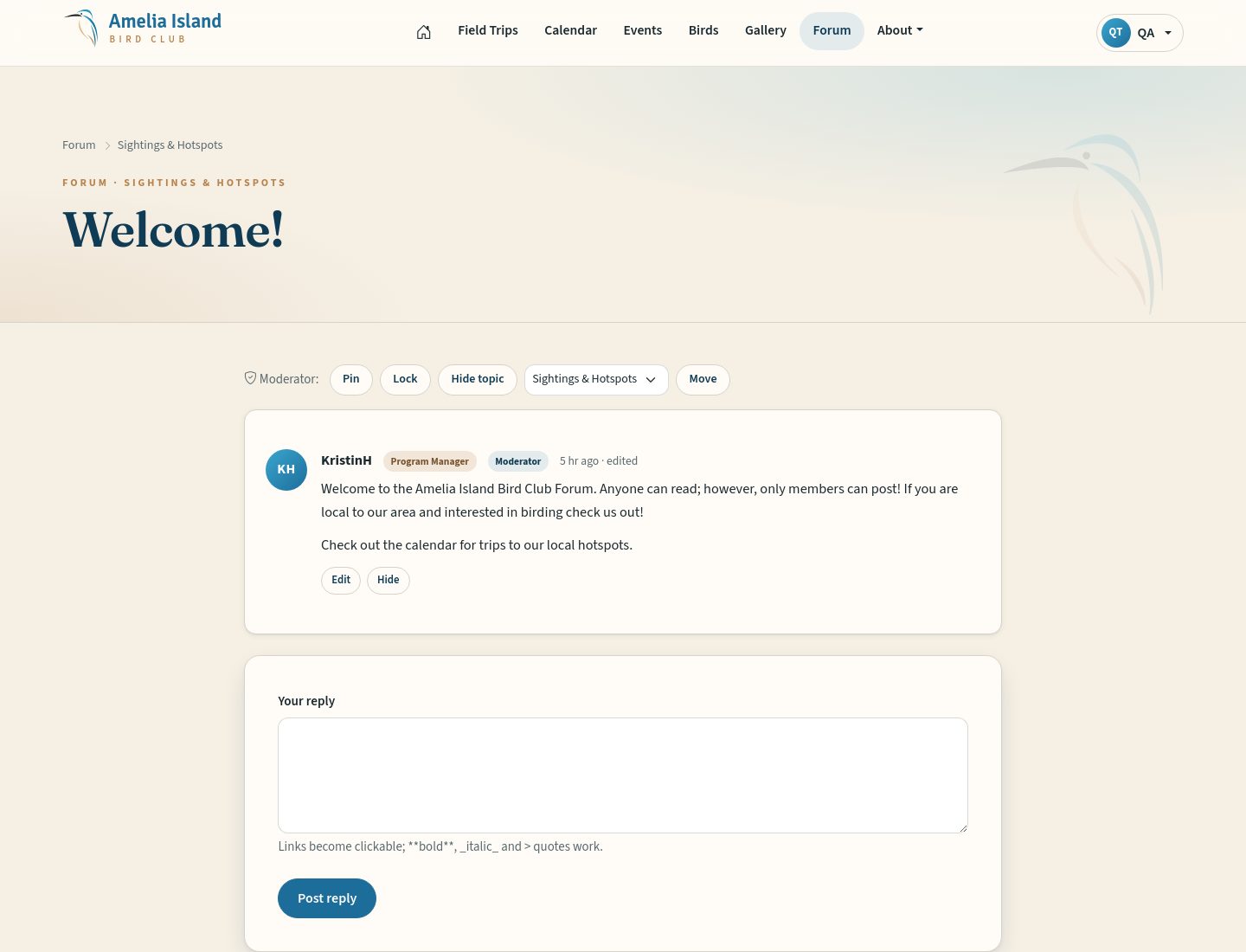
Formatting
- Paragraphs
- Leave an empty line between them.
- **bold**
- Two asterisks on each side.
- _italic_
- An underscore on each side.
- Links
- Paste the web address — it becomes clickable.
- > quote
- Start a line with > to quote someone.
Editing and removing your posts
Under each of your own posts you’ll see Edit and Remove. Edited posts show “edited”. Removing hides the post from everyone.
Etiquette
- Be kind — every expert was once a beginner.
- For nests, owls, and rare birds on private land, share the general area only.
- Posts are public. Leave out phone numbers and home addresses.
- Posting a lot in a short time triggers a brief pause — it keeps spam out.