Members’ guide
Signing in, your account, sharing photos, RSVPs and the calendar

Signing in
Club members don’t sign themselves up — a club volunteer creates your account after you request membership, then emails you a one-time link. Open the link: it shows your username, which is your email address. Choose a password (at least 10 characters — a short phrase like “painted bunting at dawn” works well) and you’re signed in.
After that, use Member sign in at the top of any page with your email address and password.
After several wrong passwords in a row the account pauses for 15 minutes, to keep out guessers.
Your account
Tap the round button with your initials (top right) and choose My account.
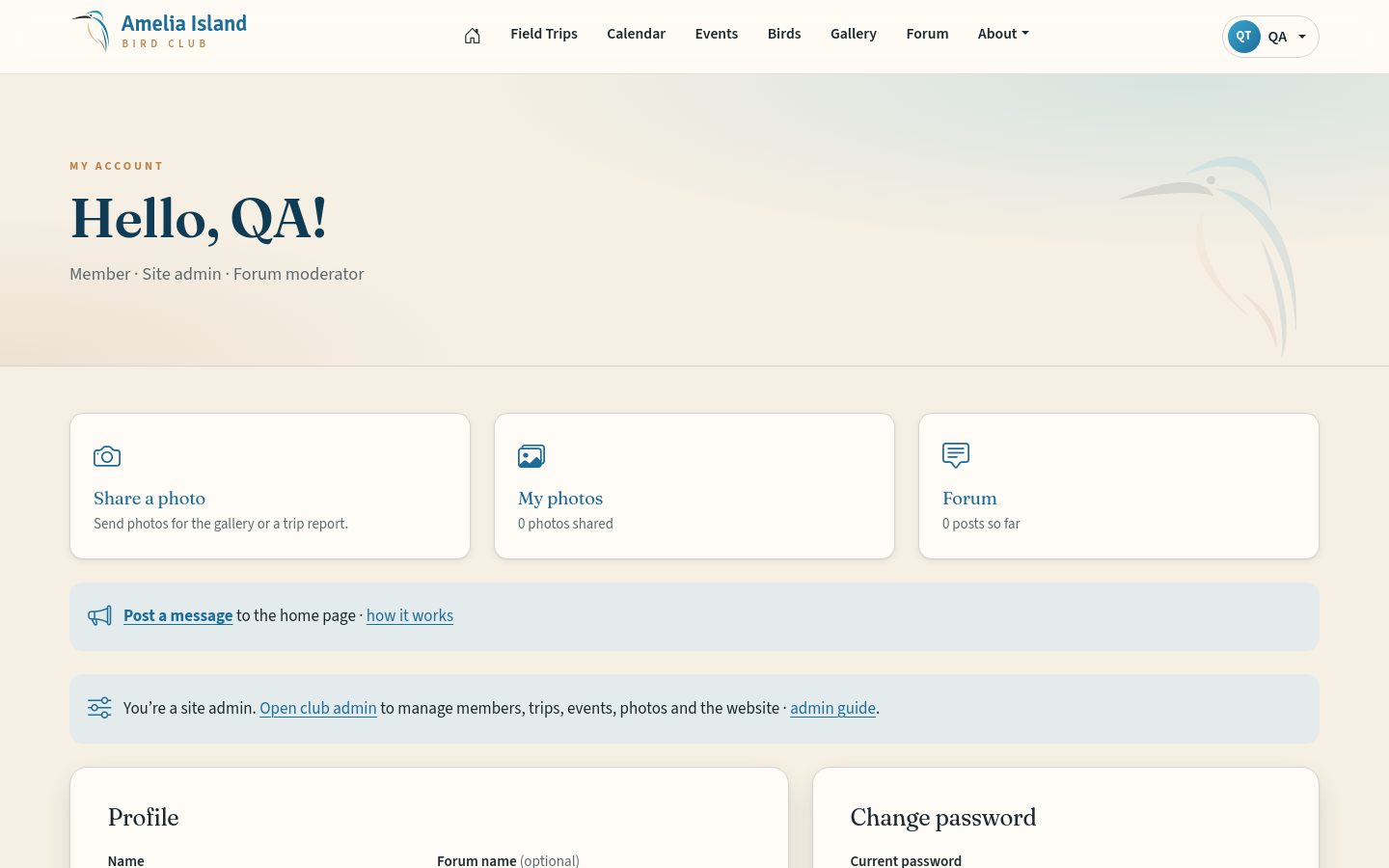
- Forum name
- How your name appears on forum posts. Leave empty to show your first name and last initial.
- Phone, Town, About you
- Optional. Only club admins see your phone number.
- Change password
- Type your current password, then the new one twice.
- Name or email
- Ask a club admin to change these.
Sharing photos
Choose Share a photo from your menu (or the button on a trip page — that fills in the trip for you).
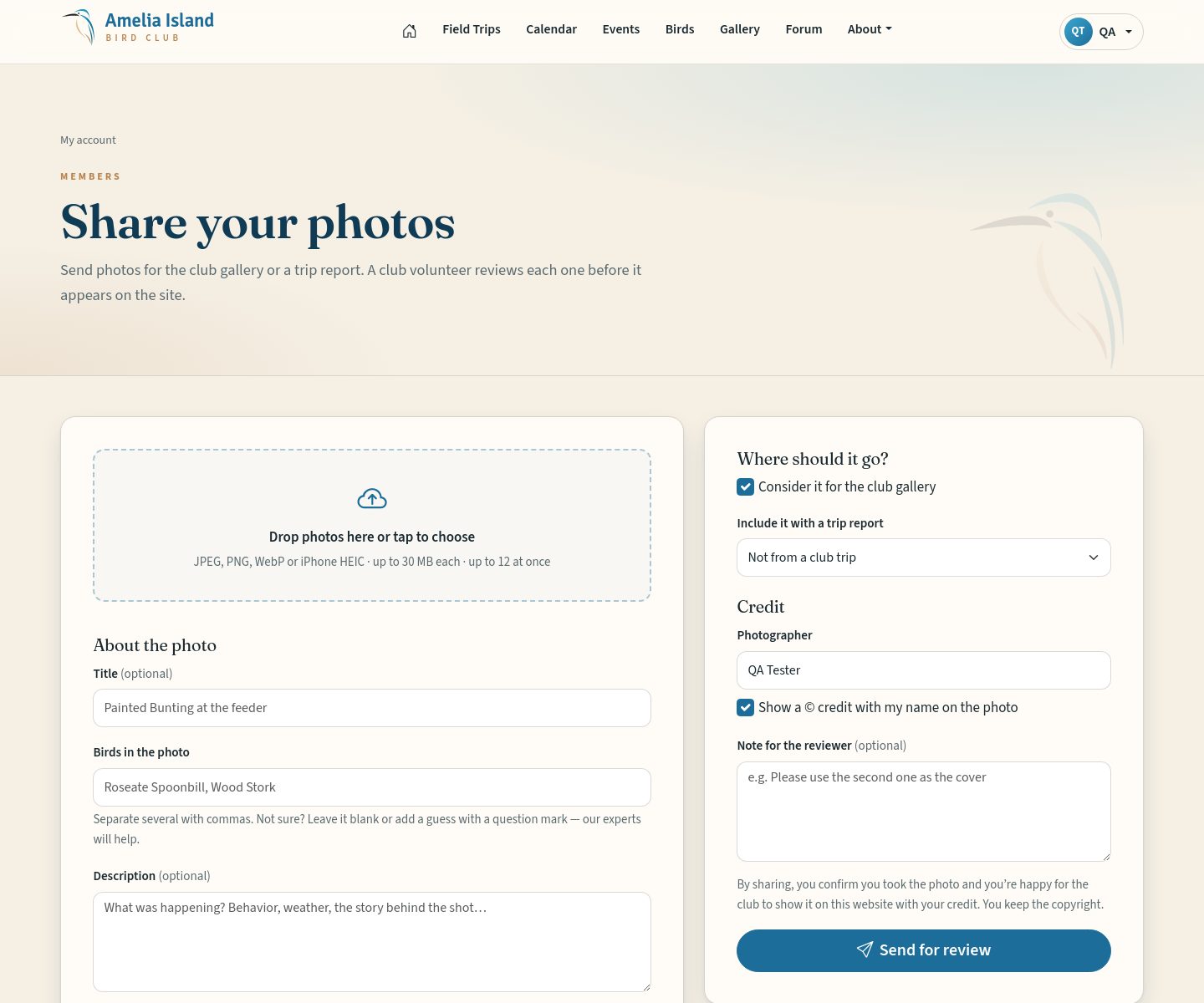
- Photos
- Drag them onto the box or tap it to choose. JPEG, PNG, WebP or iPhone HEIC, up to 30 MB each, 12 at a time. Everything else you fill in applies to all photos in that batch.
- Title
- Optional — e.g. “Painted Bunting at the feeder”.
- Birds in the photo
- Start typing and pick from the list, separating several with commas. Not sure? Leave it empty or add a guess — the club’s experts will check every ID.
- Description
- The story behind the picture.
- Date taken
- Leave empty and we’ll use the date your camera saved.
- Where
- Pick a known place or type a new one.
- Exact coordinates
- Optional latitude and longitude — tap the target button to use where you are now. Coordinates are only shown publicly if an admin chooses to, and never for nests or sensitive species.
- Consider it for the gallery
- Tick to offer it for the public gallery.
- Include it with a trip report
- Choose the club trip it came from to have it added to that report.
- Photographer & © credit
- Your name is filled in. Tick “Show a © credit” to have the copyright notice shown with your name.
- Note for the reviewer
- Anything the volunteer should know.
Nothing appears publicly until a volunteer approves it. You keep the copyright of your photos.
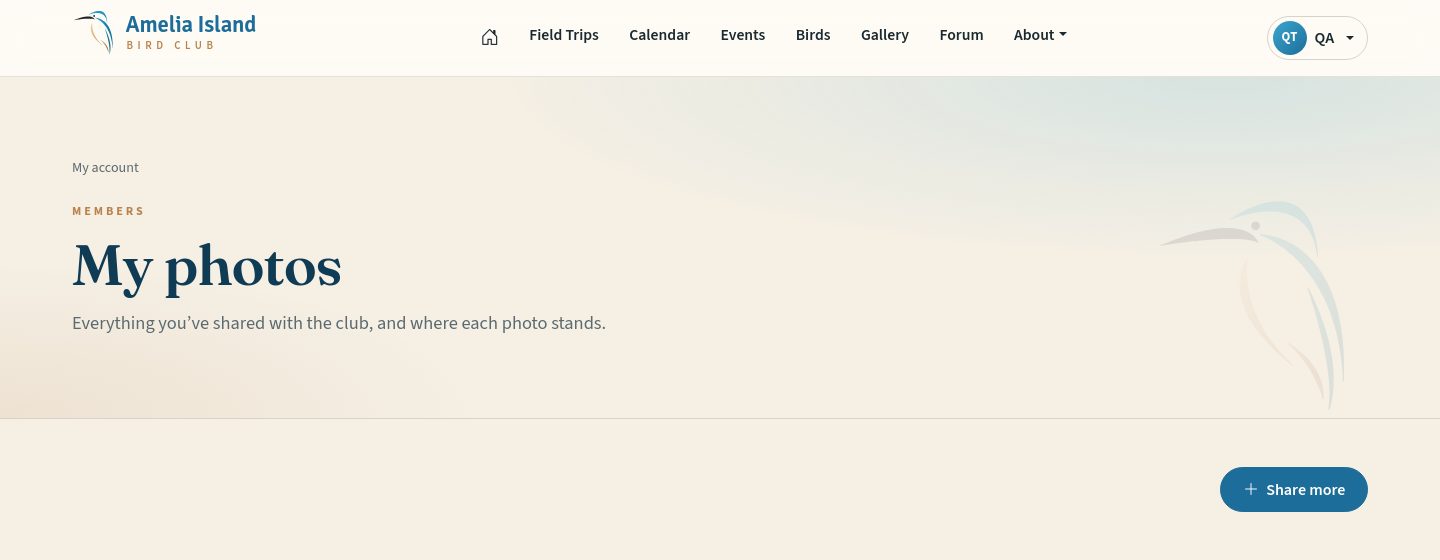
My photos
My photos shows everything you’ve shared and whether it’s Pending, Approved (with links to where it appears) or Declined (with the reviewer’s note).
RSVPing to events
Some events have a guest list. Open the event and fill in the RSVP card. For members-only events, use the email address where you receive club emails. If you may bring a guest, choose “+1 guest” and add their name.
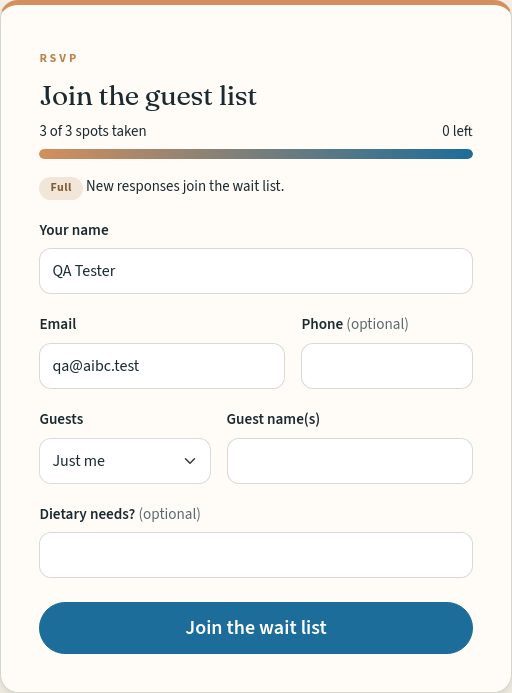
Need to change or cancel? Email the club and we’ll update the list.
The club calendar on your phone
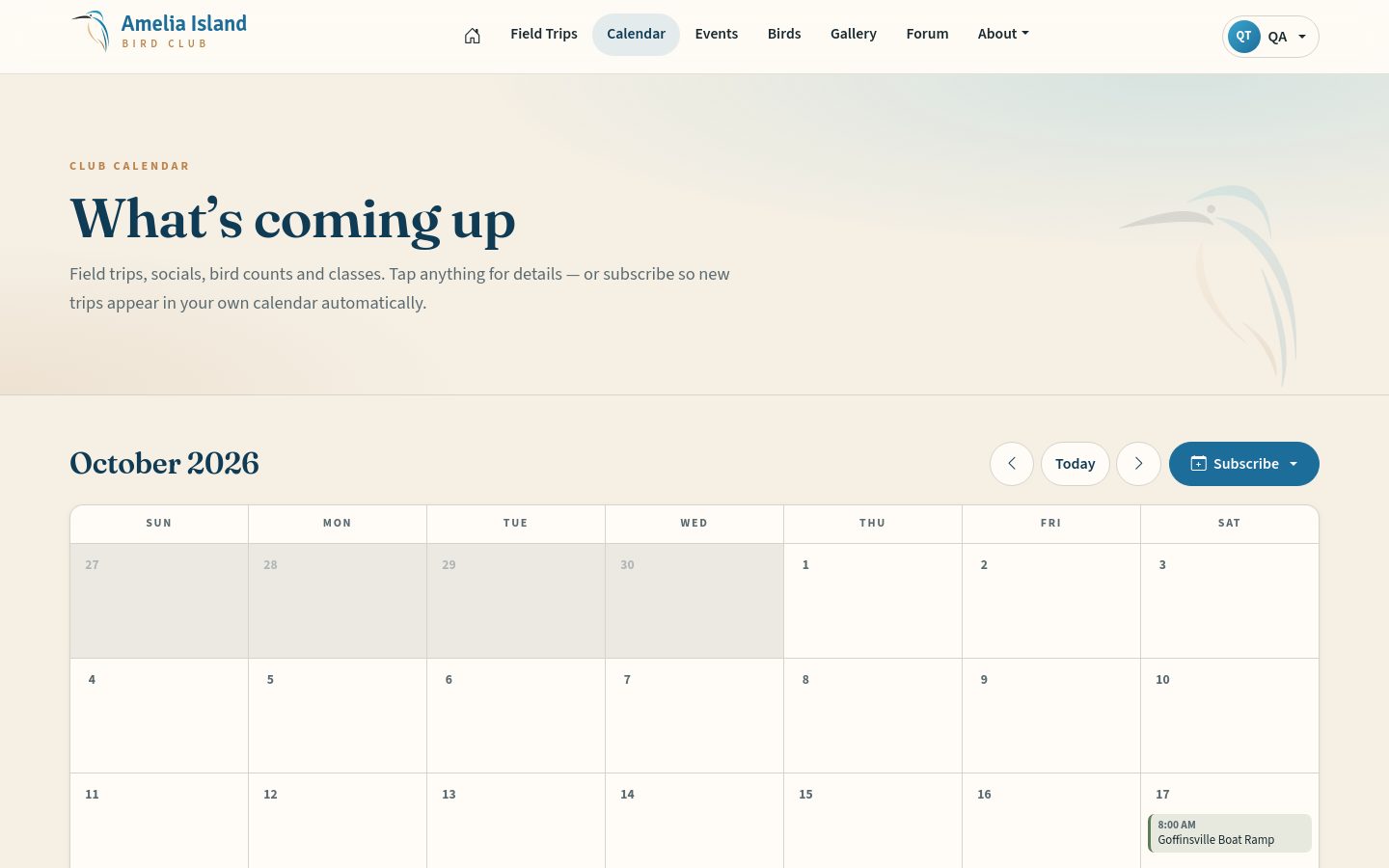
On the Calendar page tap Subscribe, then Apple / iPhone or Google Calendar. Every club trip and event then appears in your own calendar and updates by itself.
Bird Brain trivia
Look for the Bird Brain card on the home page. Tap your answer to see if you’re right and how other birders answered. Each person gets one answer per question. Past questions live at /trivia.
The website tour
For a friendly look around — what each part of the website is, where to find it and how it works — take the Website tour under About ▸ Website tour (on a phone: ☰ menu ▸ About ▸ Website tour). It shows the tour that fits you: the Guest Tour, the Member Tour, or the Moderator Tour for forum moderators. It’s offered right after you choose a password from a welcome or reset link, and it’s there any time for a refresher.
Privacy
Your email and phone are never shown publicly. Forum posts are public, so please leave out personal details there. The site uses one cookie to keep you signed in and one to remember your trivia answer — no advertising or tracking.