Website tour

Guest Tour

For guests: a look around the Amelia Island Bird Club website — what’s here, where to find it, and how to join in.

  1. Welcome to the Amelia Island Bird Club
  2. Field trips & trip reports
  3. The club calendar
  4. Events & RSVPs
  5. Birds of Amelia Island
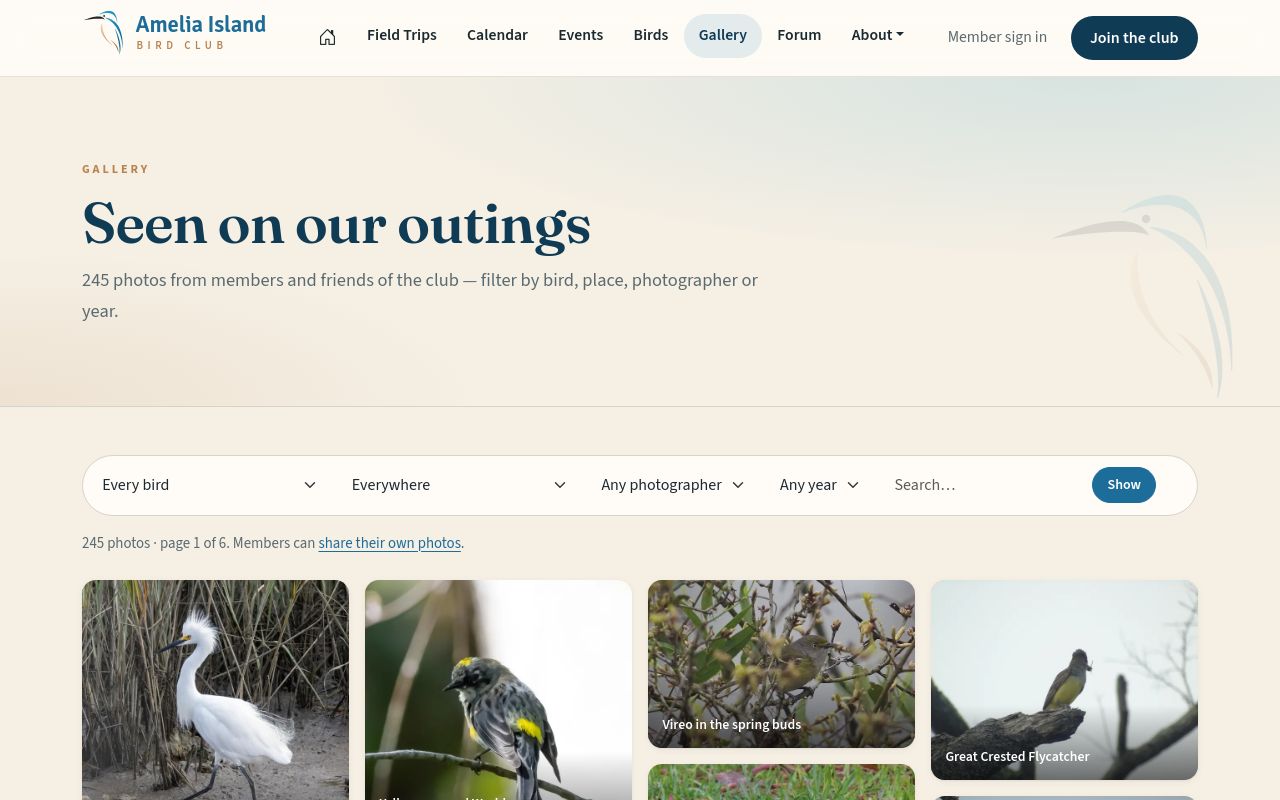
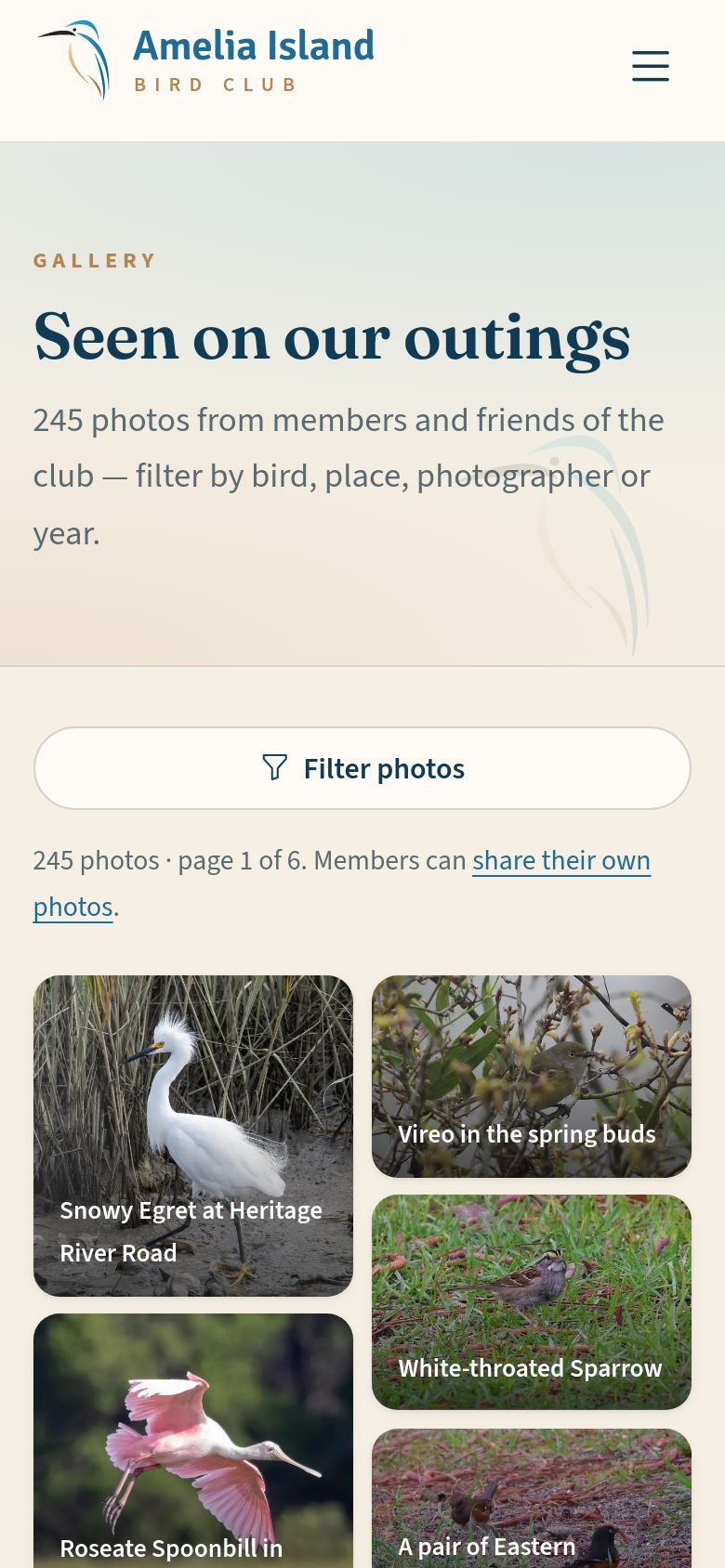
  6. Club Gallery
  7. The forum: who can do what
  8. Bird Brain trivia
  9. Notes from the President & Club News
  10. What’s public, and what isn’t
  11. How to join
  12. What members get
  13. Help is always there
1

Welcome to the Amelia Island Bird Club

Everyone
Where to find it The house icon at the start of the menu bar always brings you back to the home page The ☰ menu button, top right ▸ Home

A friendly club of birders exploring Amelia Island and Northeast Florida together, with monthly field trips from September through May — and everyone is welcome.

Almost everything on the website is open to you: the trips and their reports, the calendar, events, the bird guide, the photo gallery and the forum. This tour shows you around.
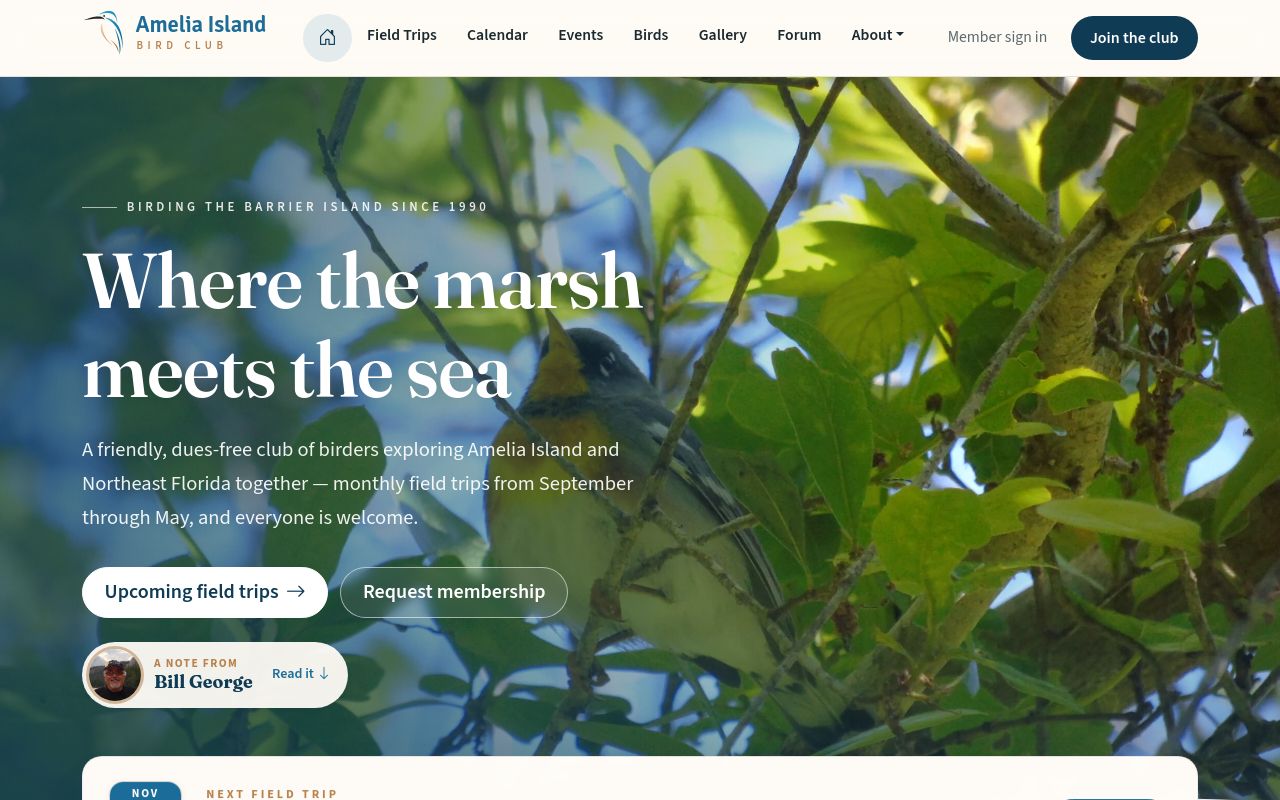
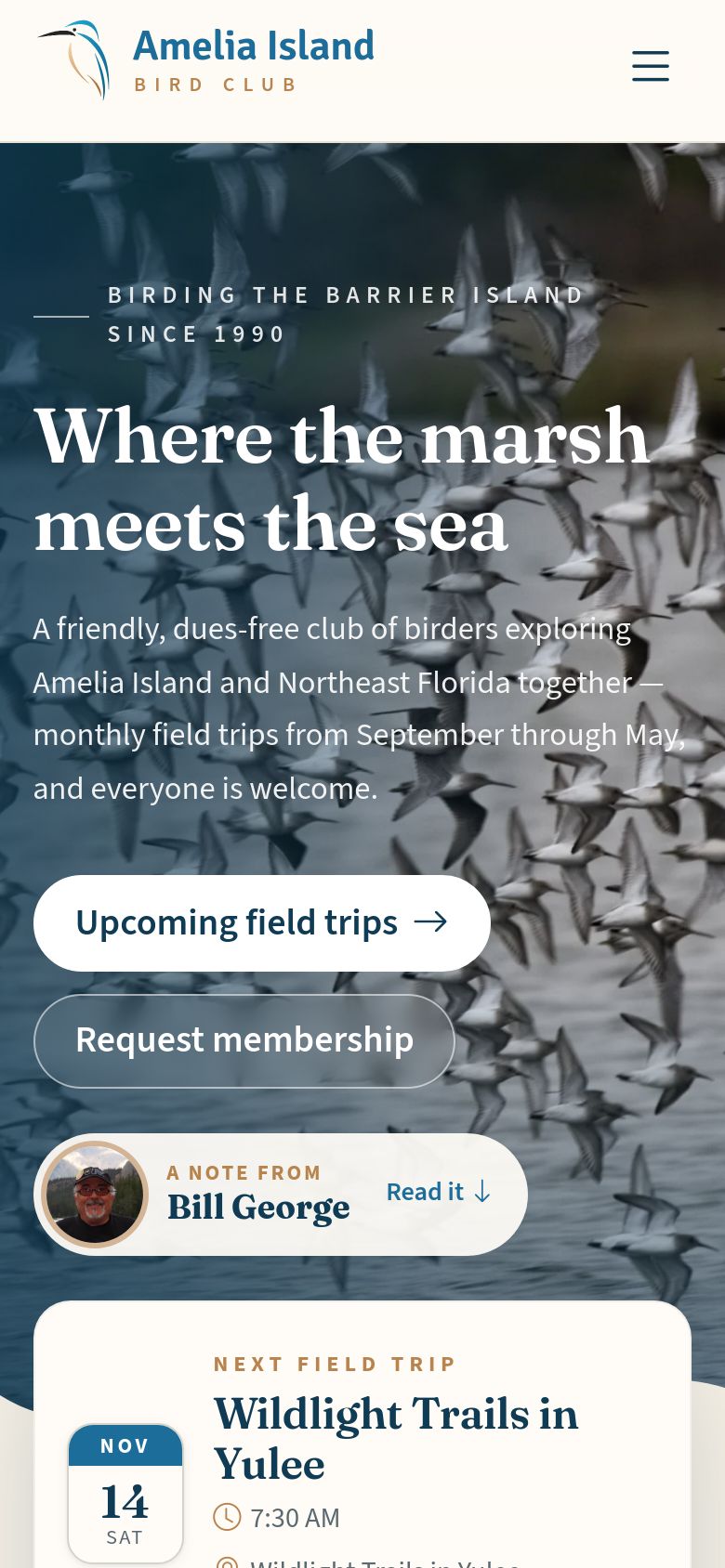
The home page.
The home page.
The home page.
The home page.
2

Field trips & trip reports

Everyone
Where to find it Menu bar ▸ Field Trips The ☰ menu button ▸ Field Trips

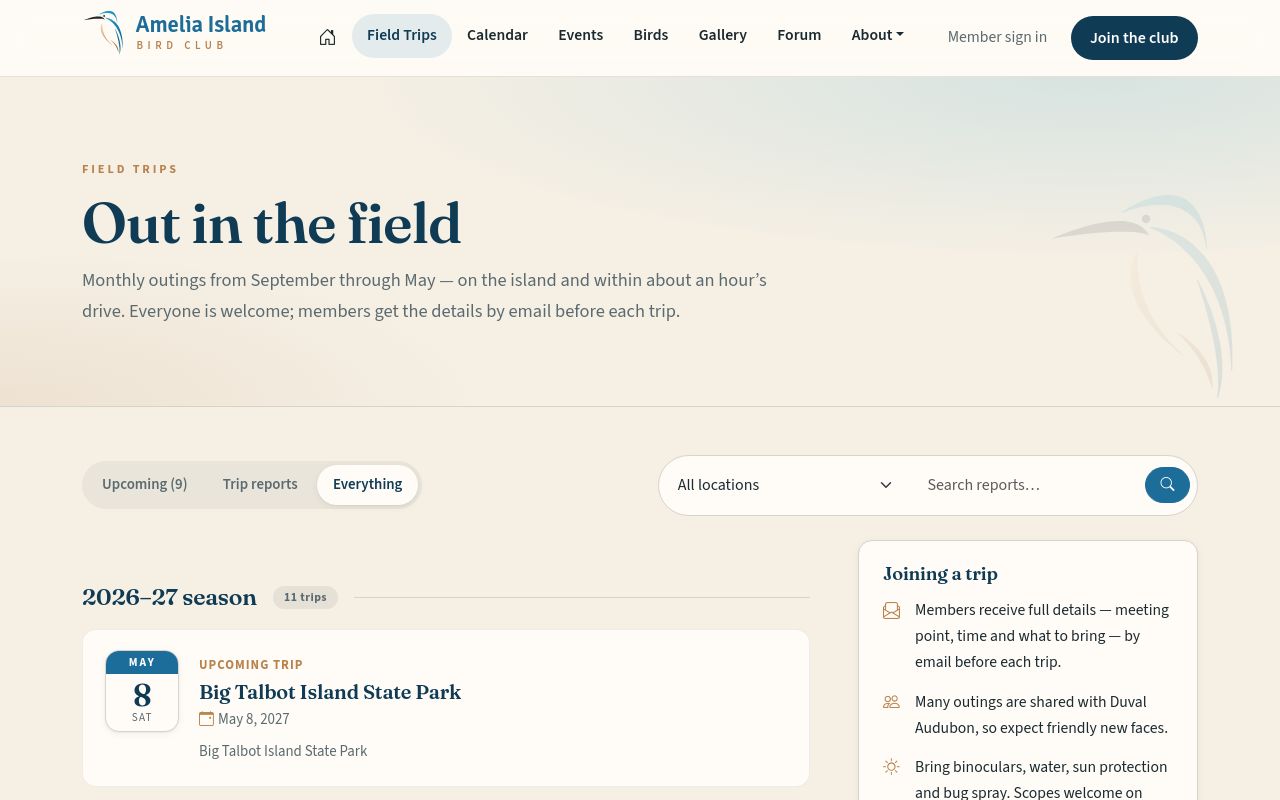
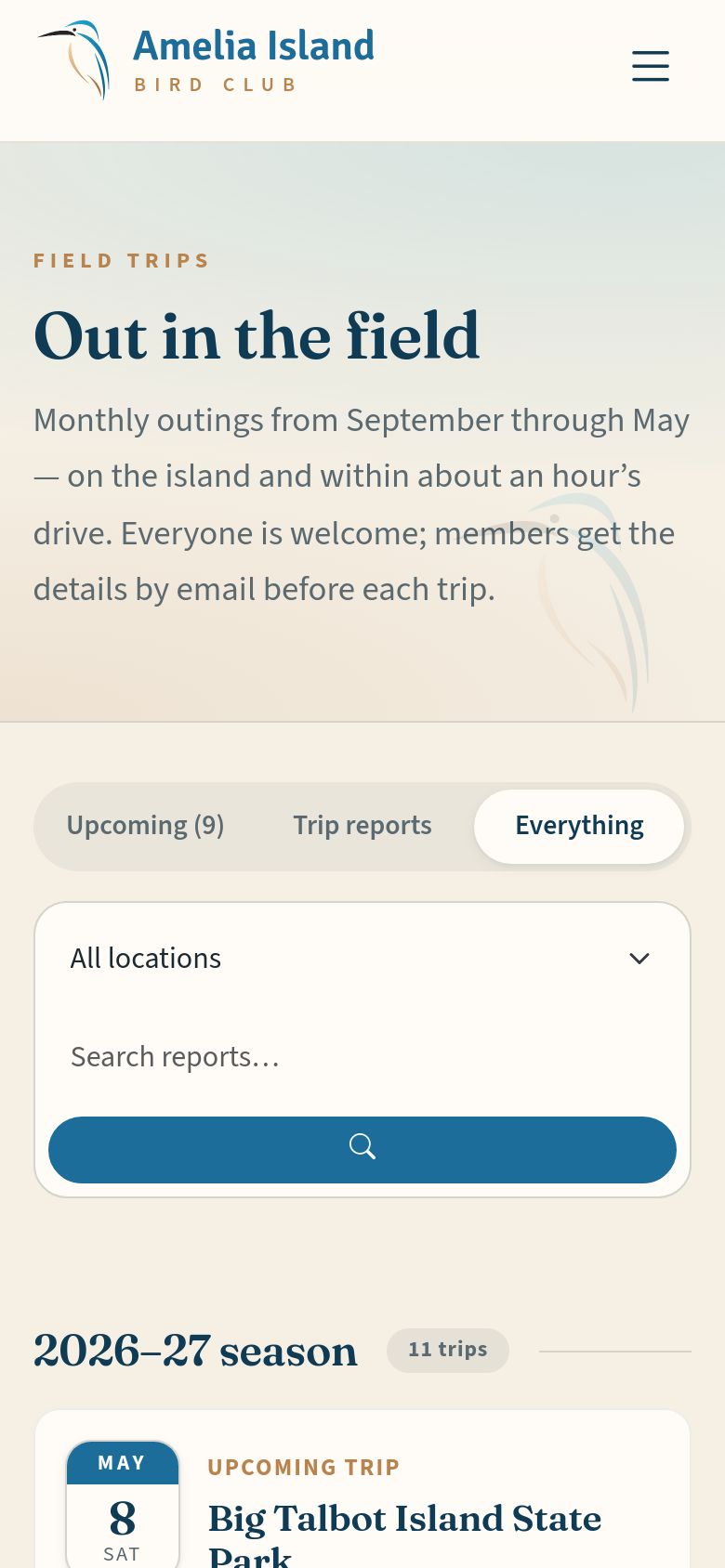
The club’s monthly outings, September through May, on the island and within about an hour’s drive. Each trip has its own page with the date, meeting point, leader and what to expect.

After a trip, its trip report — the story of the day with photos — appears on the same list. Switch between Upcoming, Trip reports and All, or search by place.

Field trips — coming outings, and past trips with their reports.
3

The club calendar

Everyone
Where to find it Menu bar ▸ Calendar The ☰ menu button ▸ Calendar

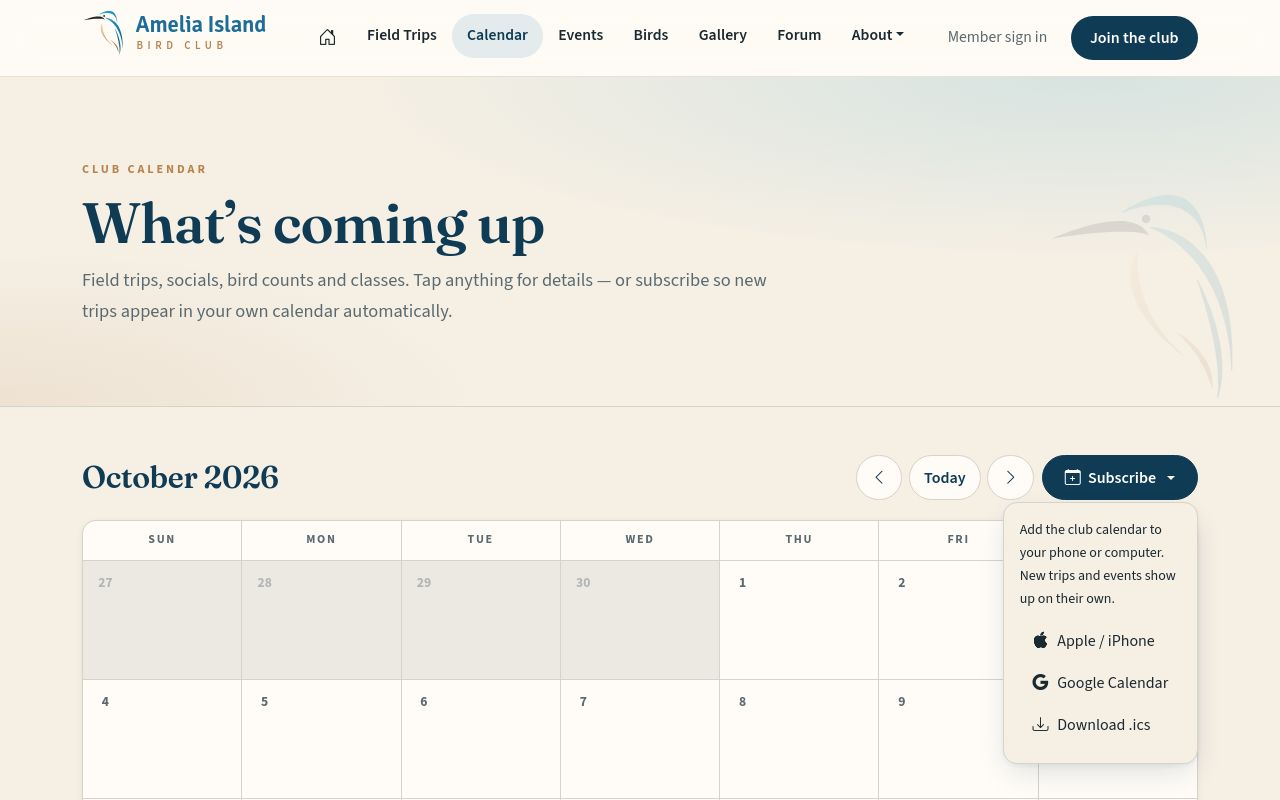
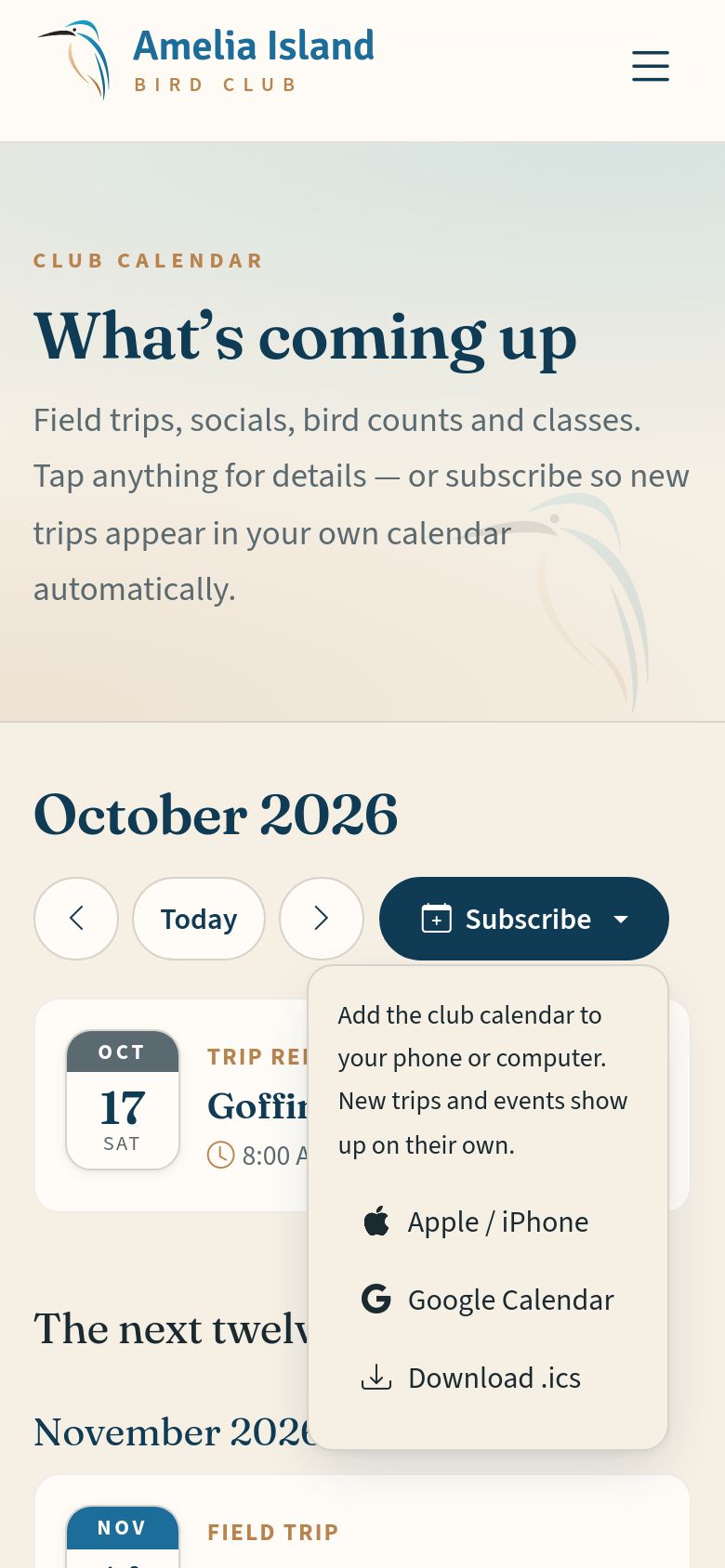
Field trips, events, bird counts and other club dates, month by month. Tap anything for its details.

Subscribe adds the whole club calendar to your own phone or computer calendar — Apple or Google — and new trips then appear there by themselves.

The calendar, with the Subscribe menu open.
4

Events & RSVPs

Everyone
Where to find it Menu bar ▸ Events The ☰ menu button ▸ Events

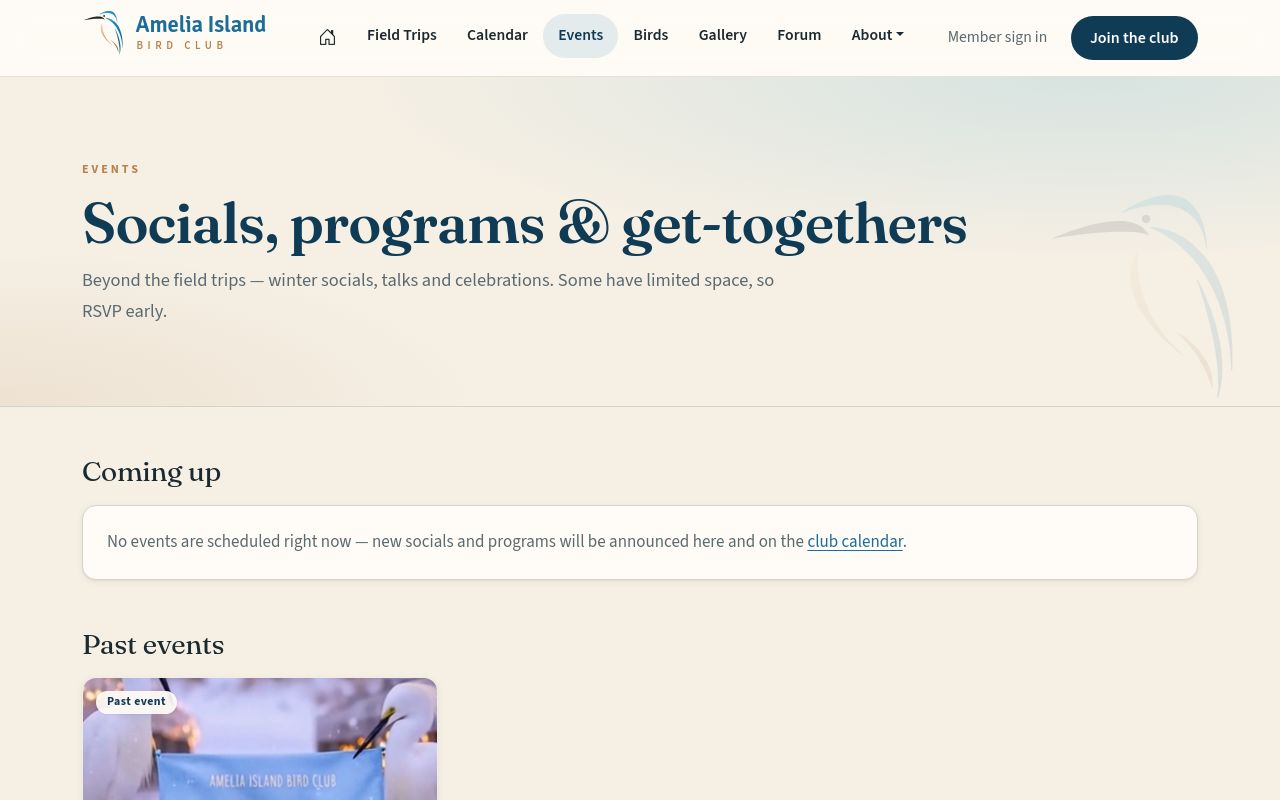
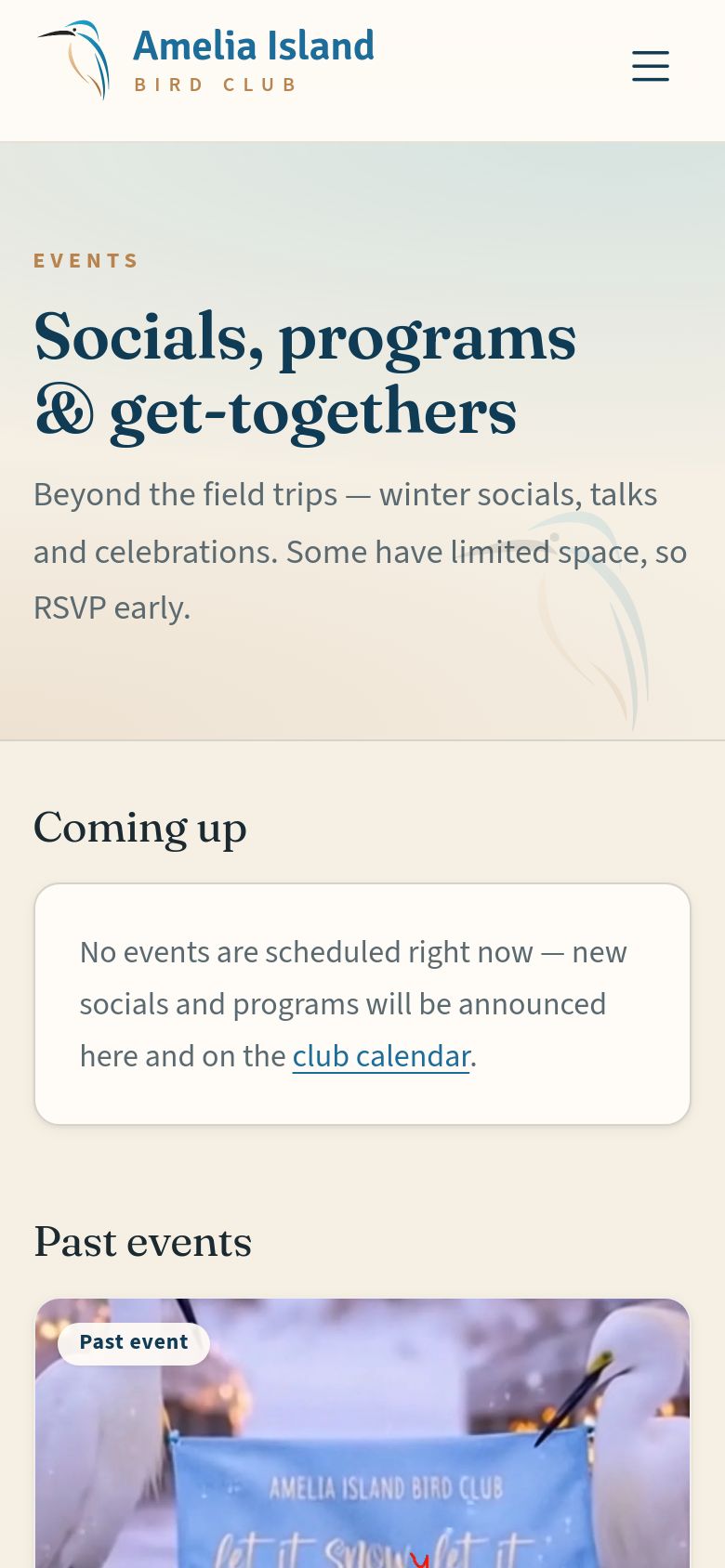
Socials, talks and celebrations beyond the field trips — each with its own page. Some have a guest list: fill in the RSVP card on the event page, and you may be able to bring a guest. When an event is full it may offer a wait list.

Some events are for members only; for those, use the email address where you receive club emails.

Events.
Events.
Events.
Events.
5

Birds of Amelia Island

Everyone
Where to find it Menu bar ▸ Birds The ☰ menu button ▸ Birds

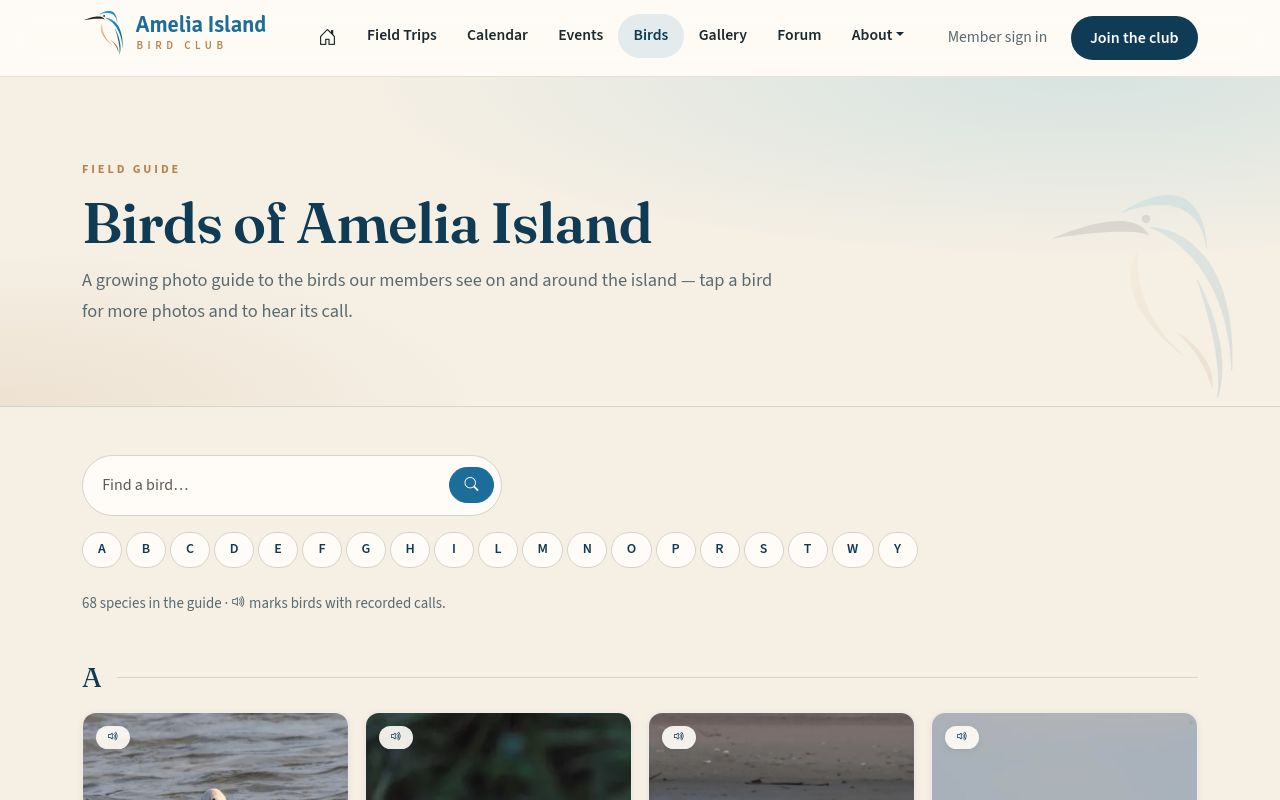
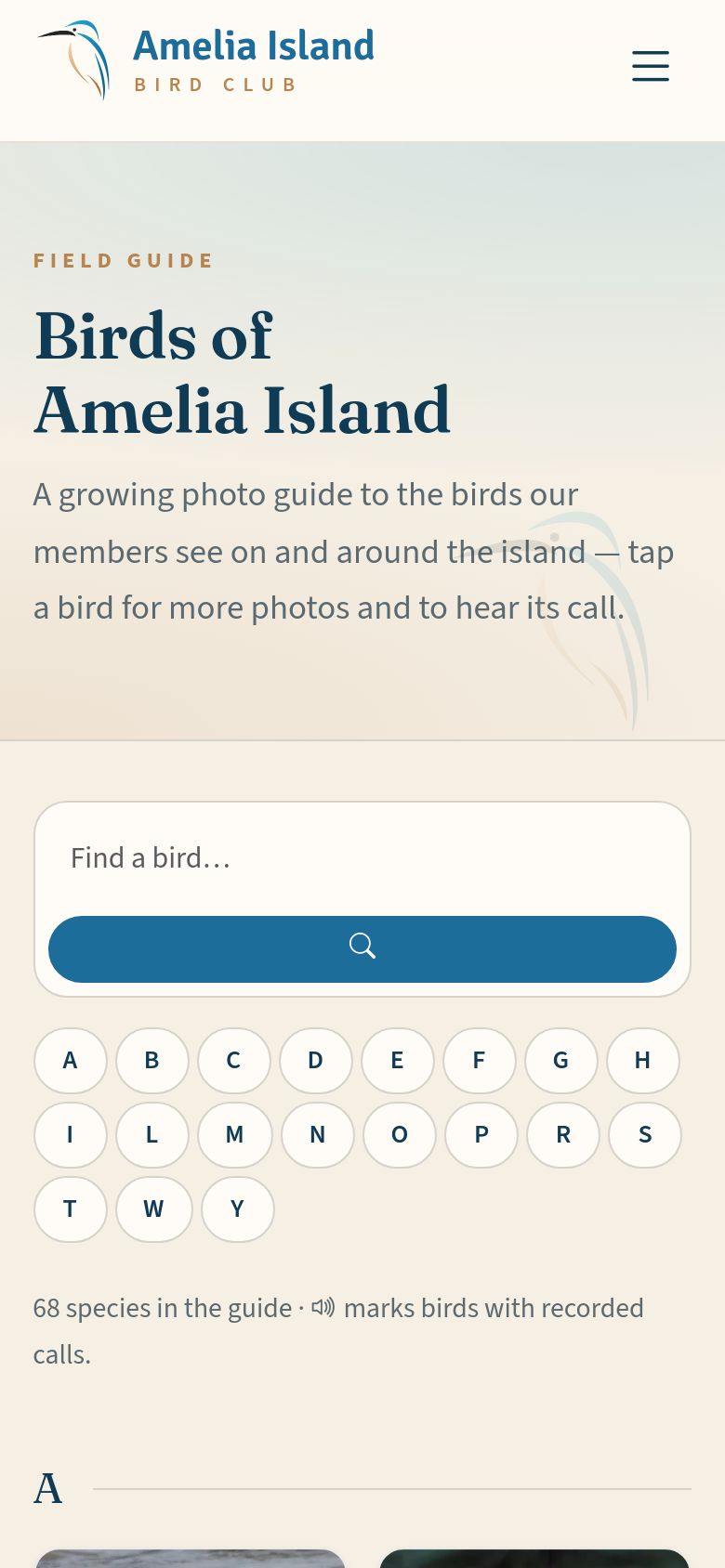
A photo field guide to the birds members see on and around the island, built from members’ own pictures. Tap any bird to see more photos and notes, and for many birds, hear a recording of its call.

Identifications are checked by the club’s experts before they’re treated as confirmed.

Birds of Amelia Island.
7

The forum: who can do what

Everyone Members Moderators
Where to find it Menu bar ▸ Forum The ☰ menu button ▸ Forum
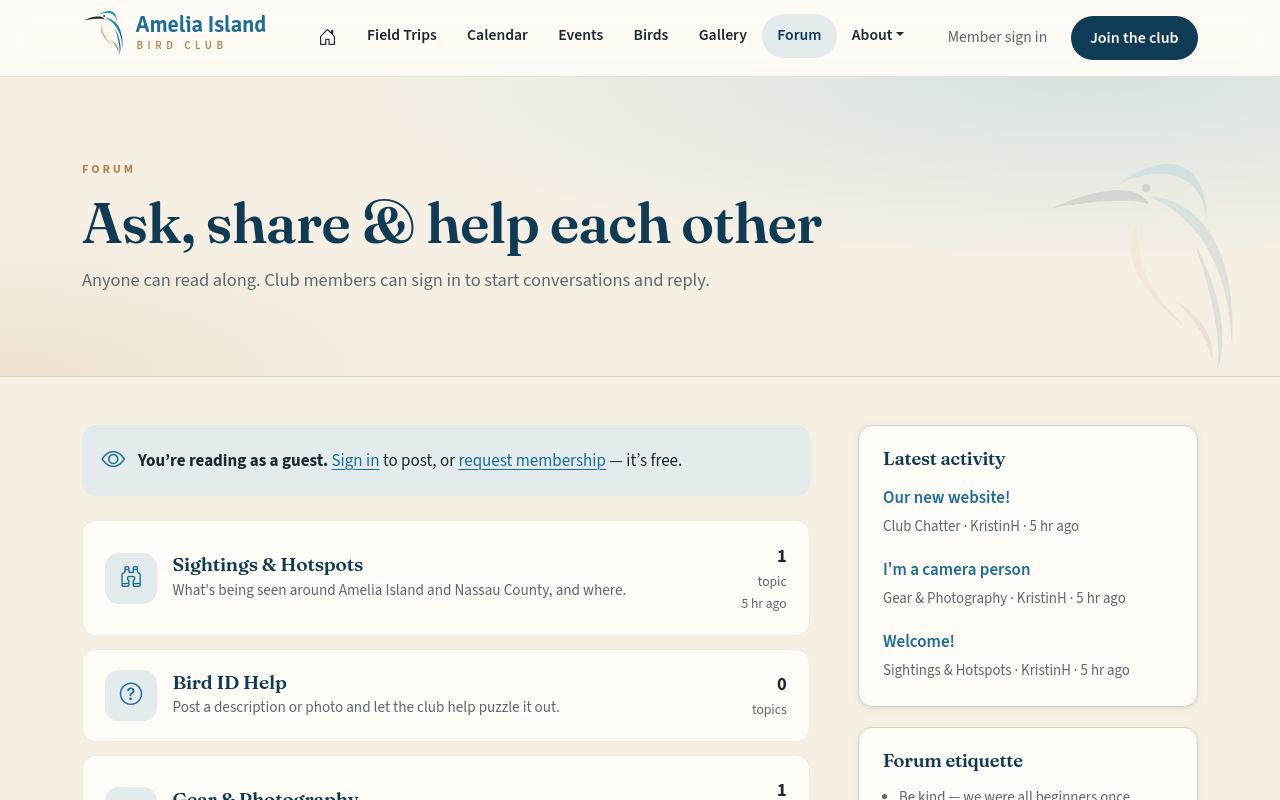
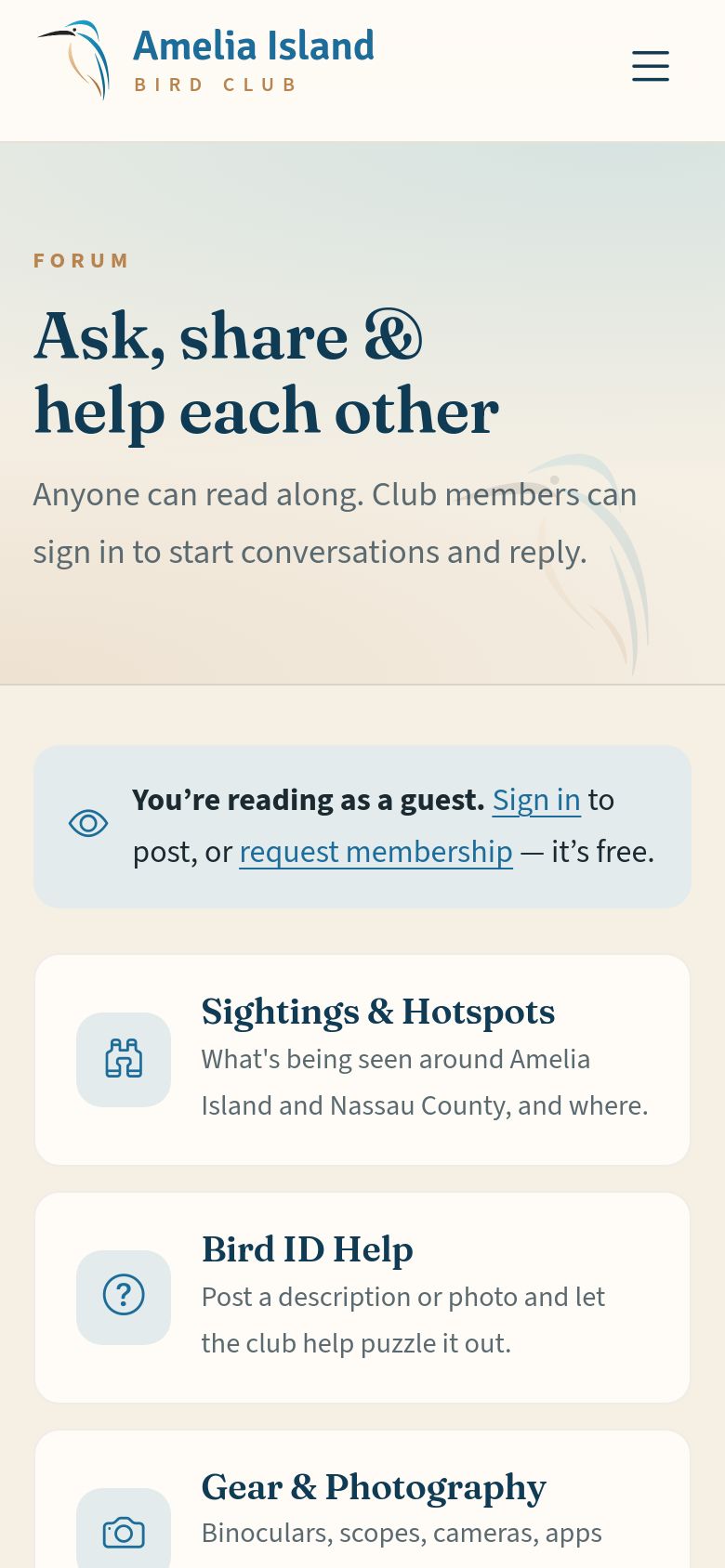
  • Anyone can read the forum — no account needed. It’s arranged in categories such as Sightings & Hotspots and Bird ID Help.
  • Only signed-in members can post — start a topic or reply. Each post shows the member’s forum name, with a badge such as “President” or “Moderator”. You can edit or remove your own posts.
  • Moderators can pin, lock, hide and edit posts — for example to remove a phone number someone shared by mistake.
Want to join the conversation?Club members can start topics and reply — see How to join, near the end of this tour.
The forum.
The forum.
The forum.
The forum.
8

Bird Brain trivia

Everyone
Where to find it The Bird Brain card on the home page · About ▸ Bird Brain trivia The Bird Brain card on the home page · ☰ menu ▸ About ▸ Bird Brain trivia

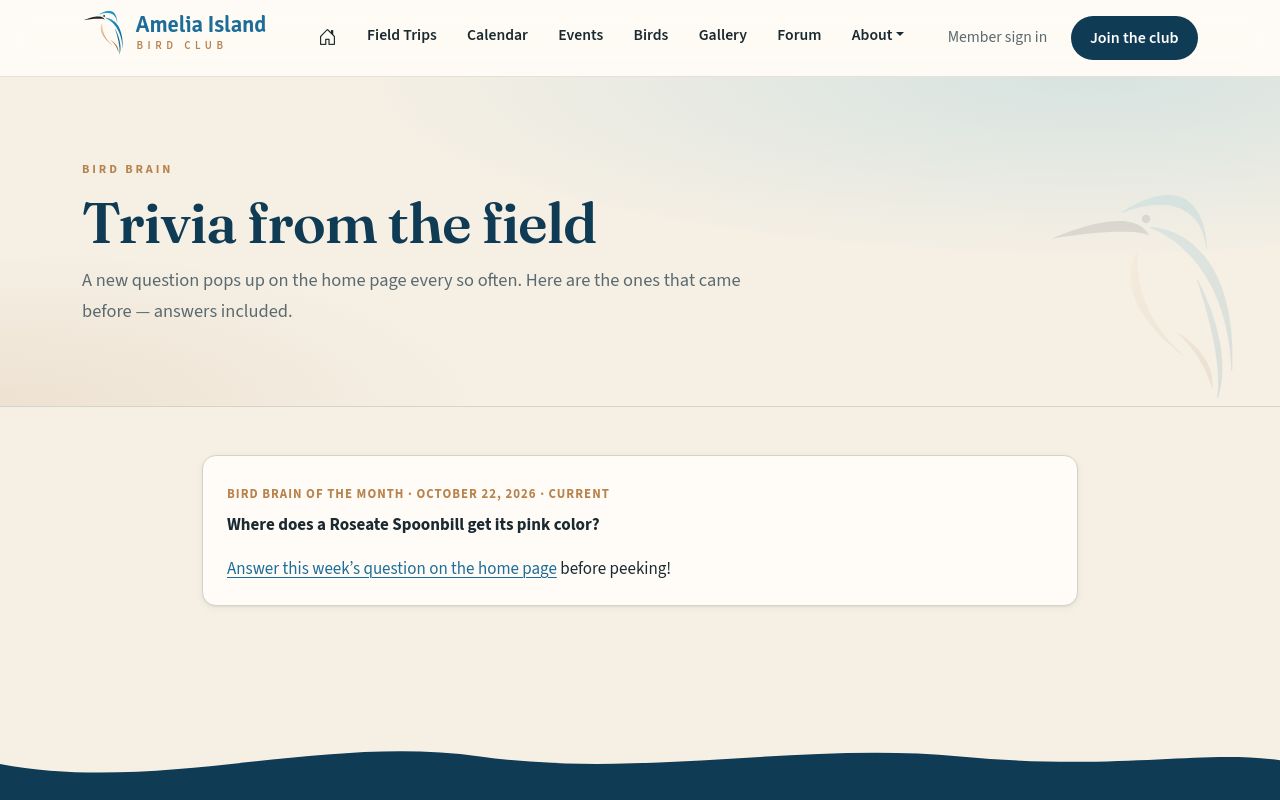
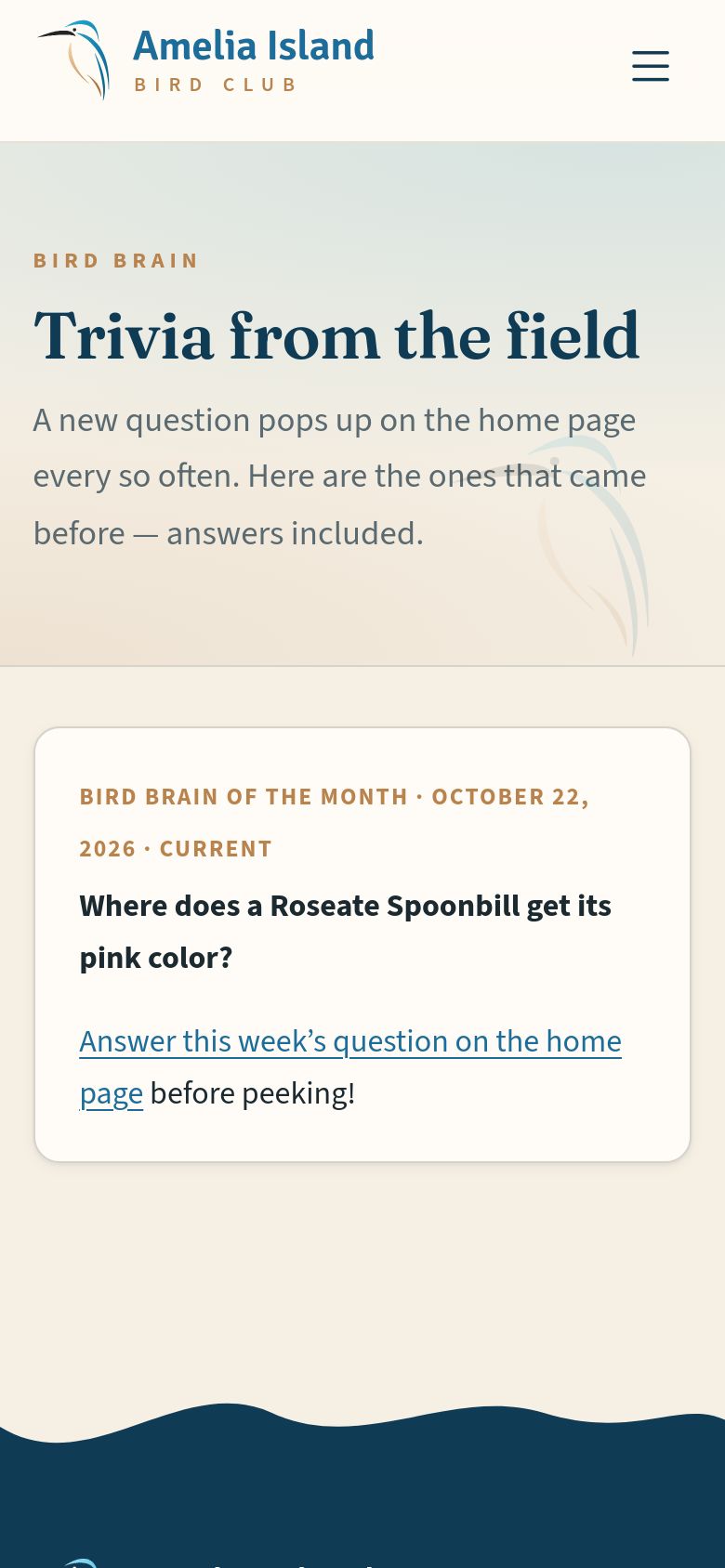
A bird question pops up on the home page every so often. Tap your answer to see whether you’re right, the story behind it, and how other birders answered.

Earlier questions, answers included, are kept under About ▸ Bird Brain trivia.

Bird Brain trivia.
Bird Brain trivia.
Bird Brain trivia.
Bird Brain trivia.
9

Notes from the President & Club News

Everyone
Where to find it The home page · About ▸ Club messages The home page · ☰ menu ▸ About ▸ Club messages

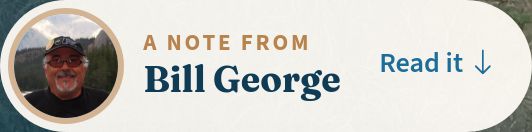
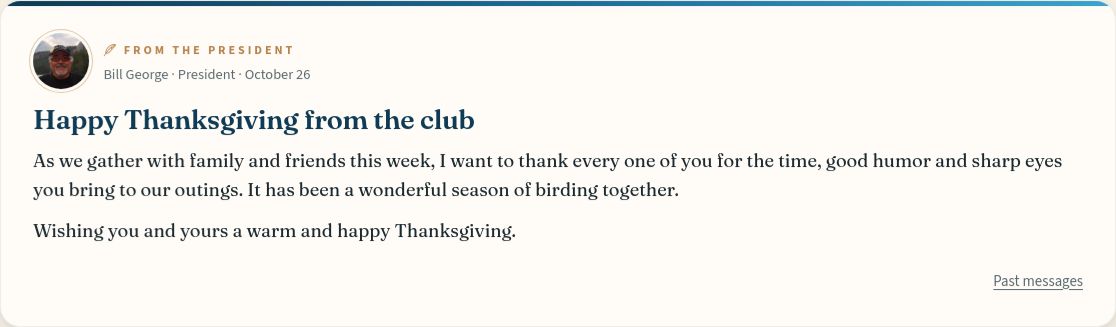
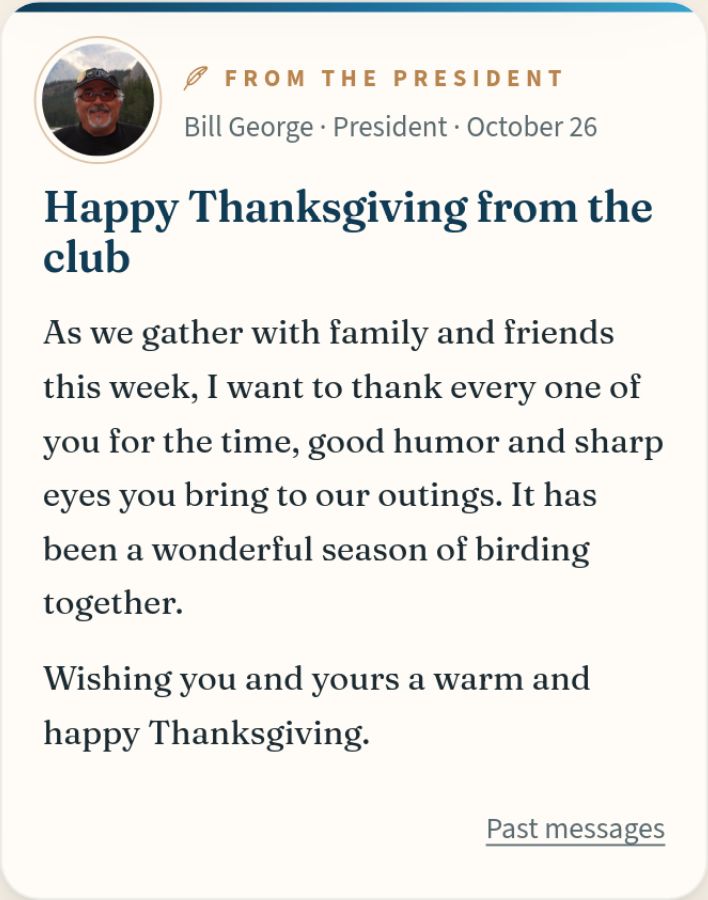
Special notes from the club President, and news and shoutouts from the organizers, appear in cards on the home page while they’re current. A tag reading “A note from” with the writer’s name and photo sits in the big photo at the top, so you never miss one — tap it to jump to the message.

Earlier messages are kept under About ▸ Club messages.

The tag at the top of the home page.
A message card on the home page.
10

What’s public, and what isn’t

Everyone

Members’ email addresses and phone numbers are never shown on the website. The only contact detail visitors see is the club’s own address, info@ameliaislandbirdclub.org.

What visitors can see:

  • Names on forum posts — first name and last initial, unless a member chooses a different forum name.
  • The photographer’s name on each photo.
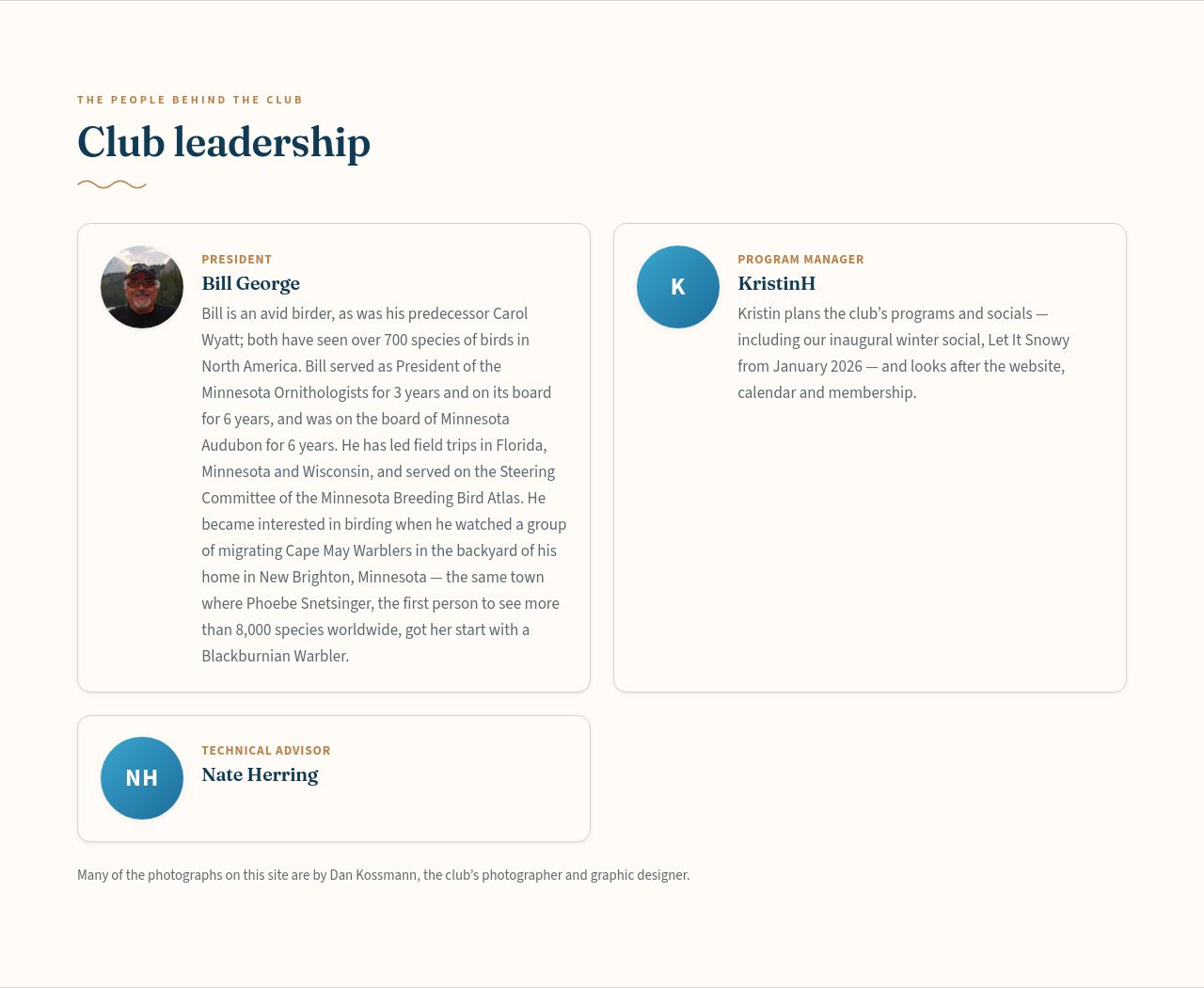
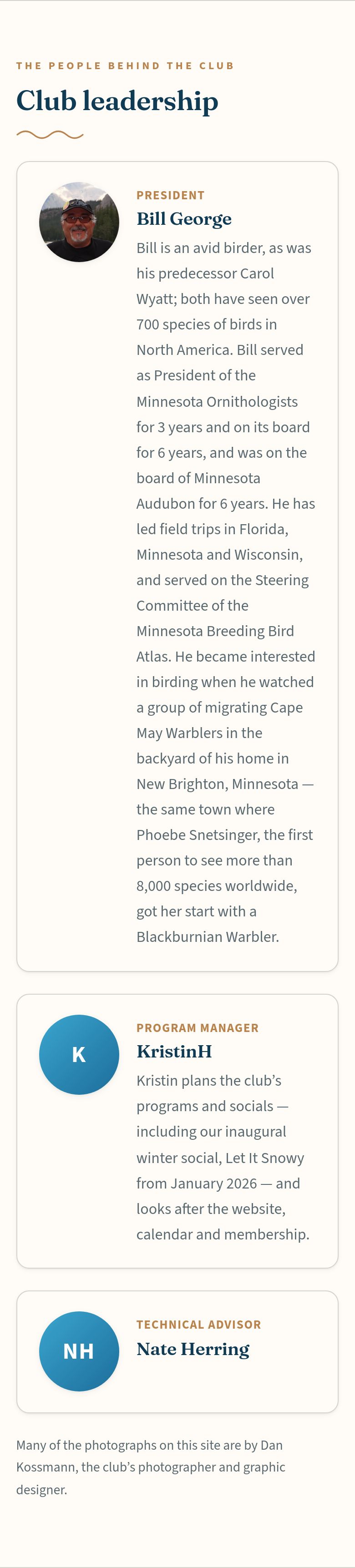
  • The Club leadership section of the About page: name and title, plus a photo and a short note only if that person provides them.

Phone numbers and RSVP details are seen only by the site administrators, and the list of members is never public. Visitors can read the site, but only signed-in members can post in the forum or share photos.

Club leadership on the About page shows names and titles — never email addresses or phone numbers.
11

How to join

Everyone
Where to find it Join the club (top right) · About ▸ Request membership The ☰ menu button ▸ Join the club

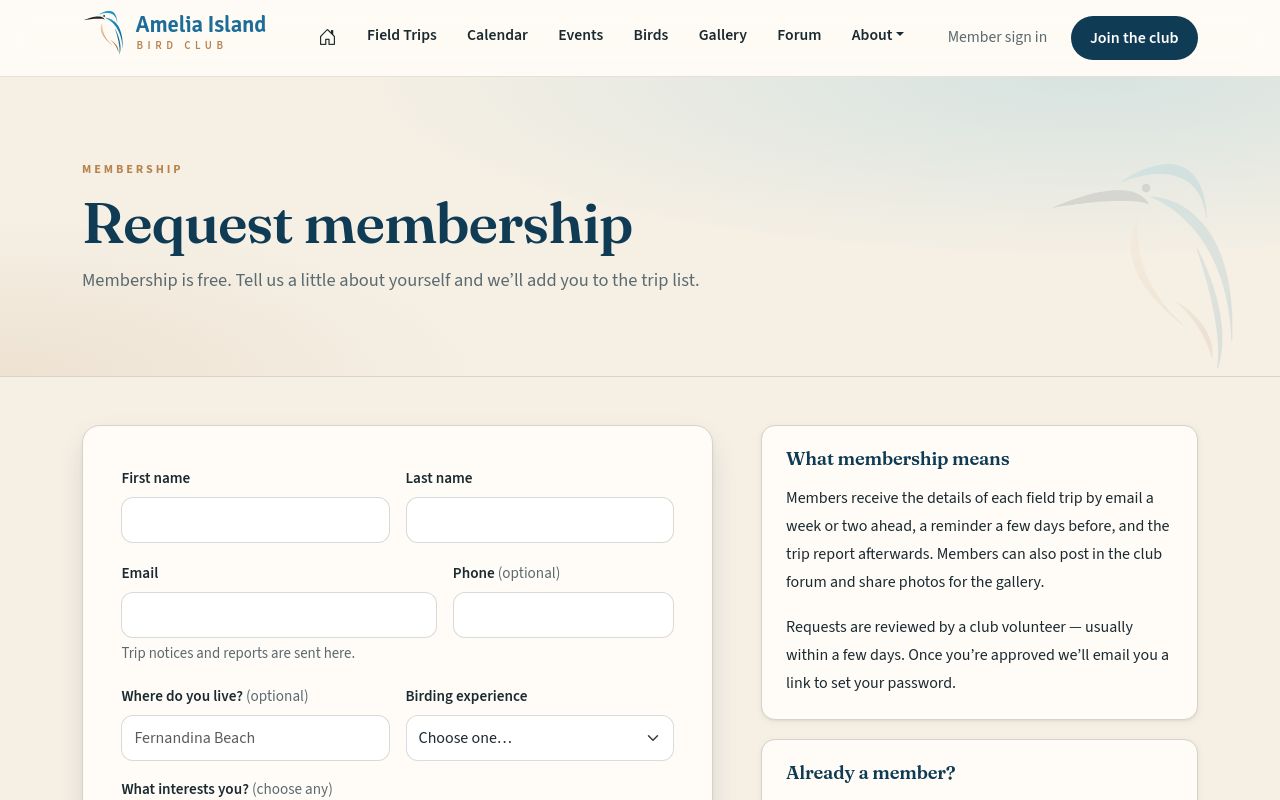
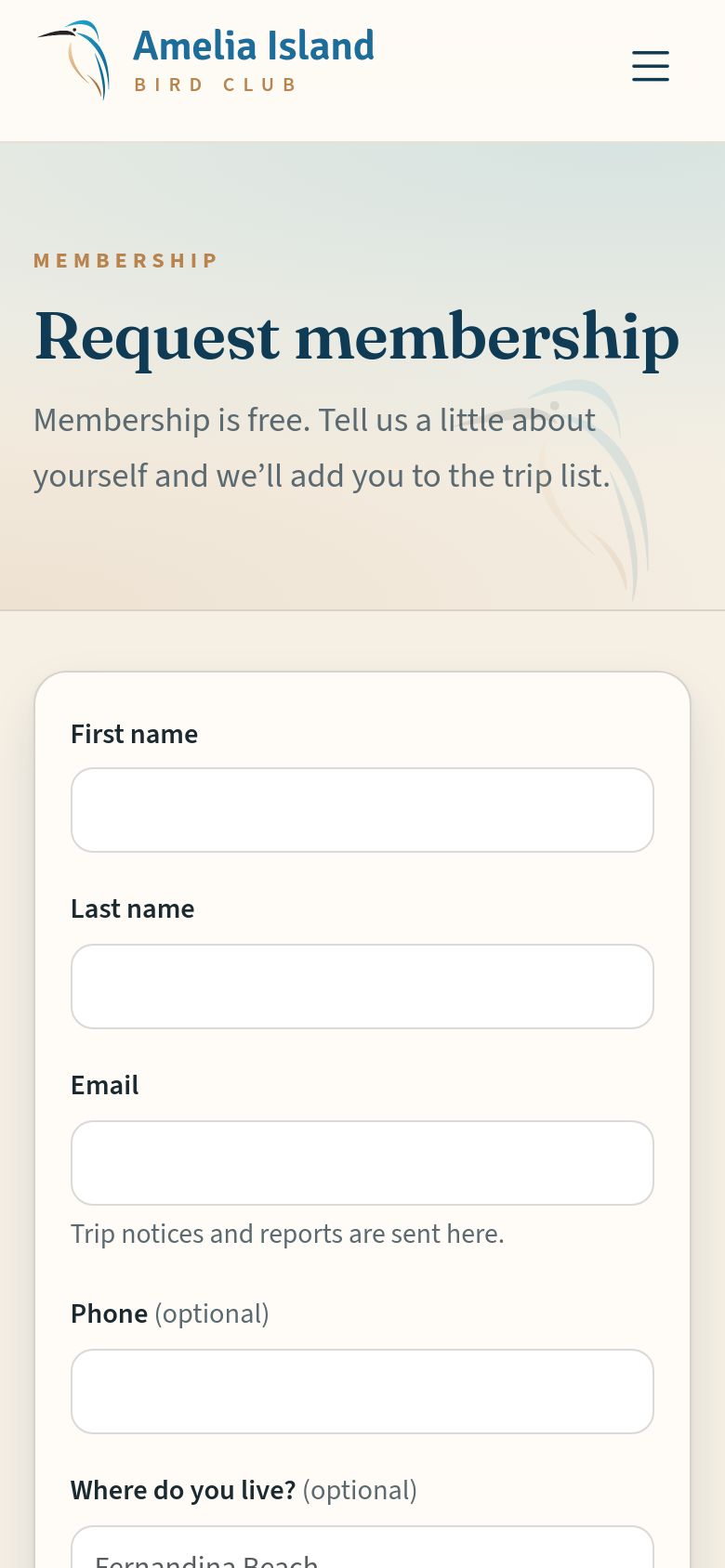
Fill in the short Request membership form. A club volunteer reads every request and sets up your account — there’s no sign-up to wrestle with — then emails you a one-time link to choose your password.

Members get trip details by email before each outing, and on the website can share photos, post in the forum and RSVP to members-only events.

The Request membership form.
12

What members get

Members
Where to find it Member sign in (top right), once you’ve joined The ☰ menu button ▸ Member sign in

Once you’re a member and signed in, the website opens up:

  • Share your photos for the gallery and trip reports.
  • Start topics and reply in the forum.
  • RSVP to members-only events like the winter social.
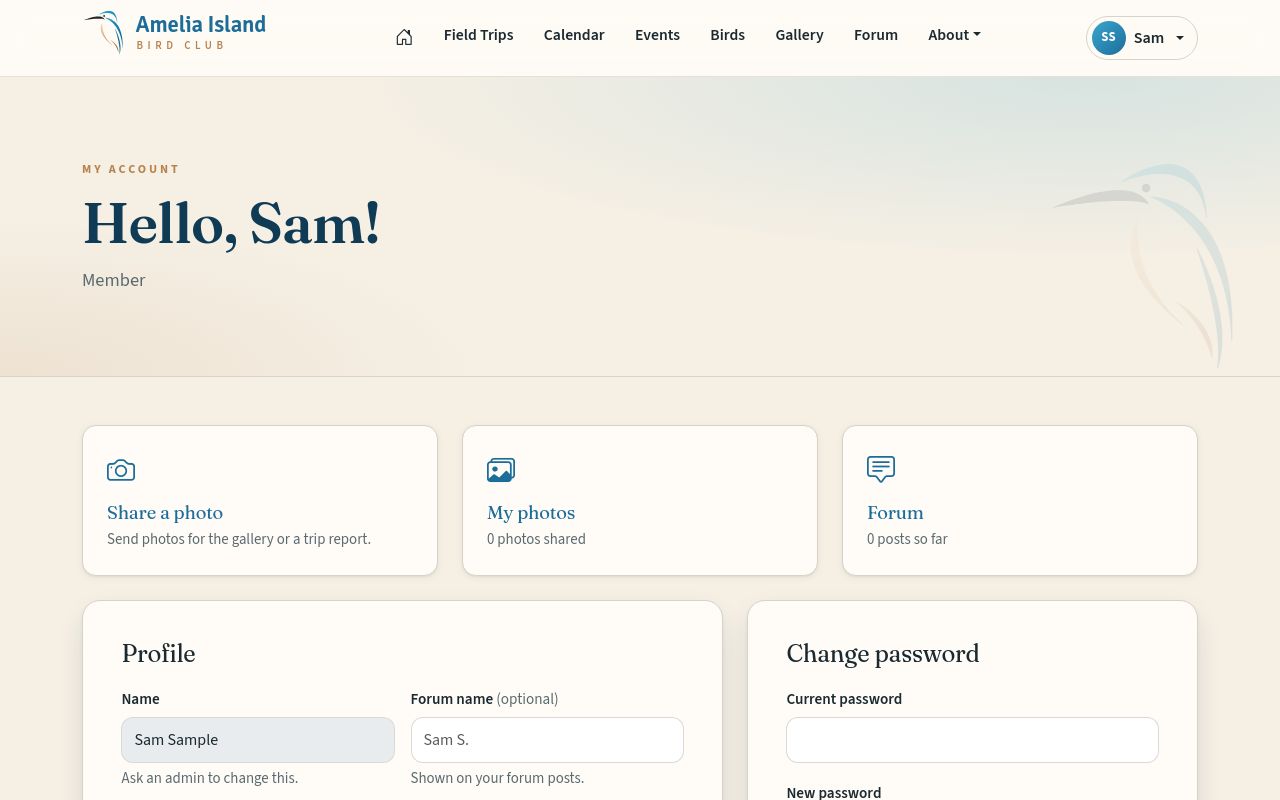
  • Your own account, with a forum name of your choosing.

The Member Tour shows all of it, stop by stop.

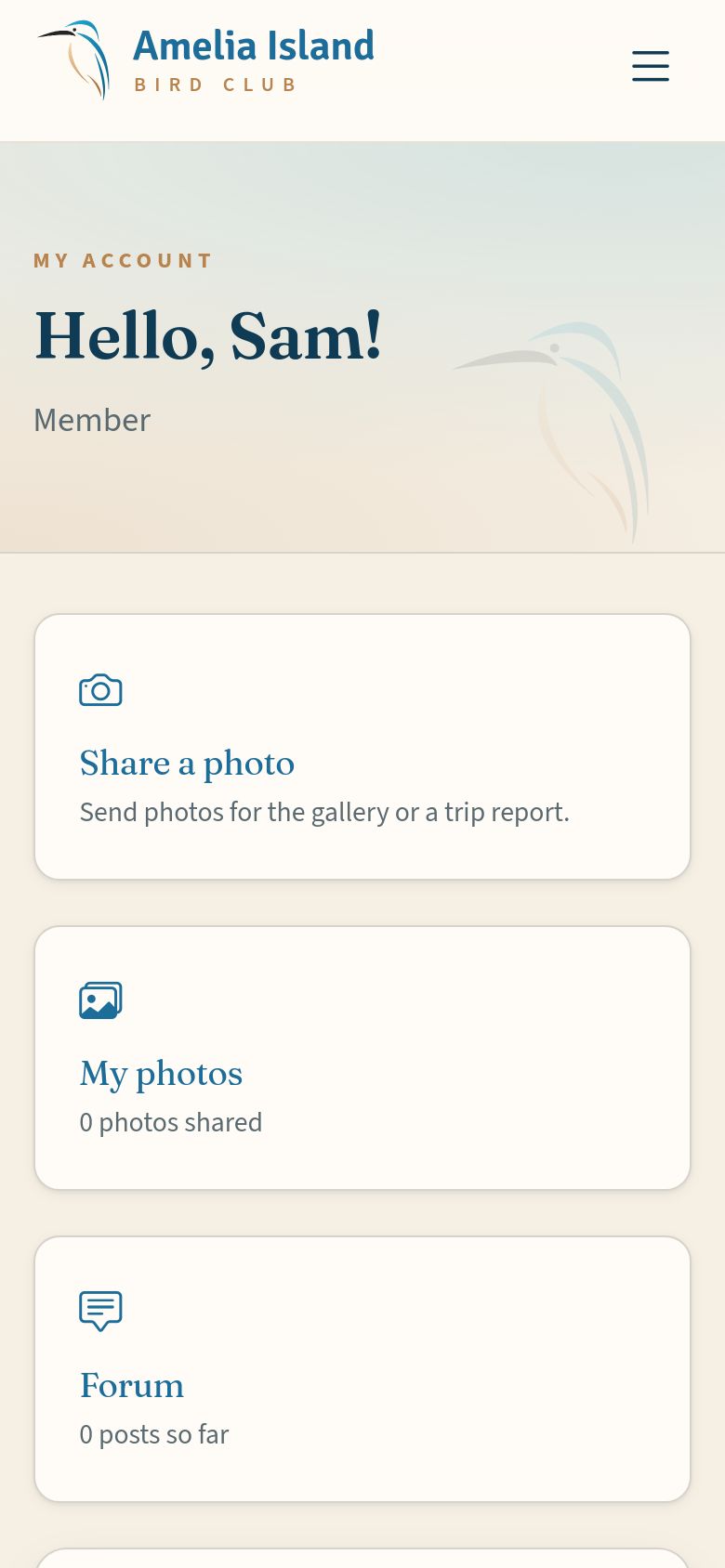
A member’s account page.
13

Help is always there

Everyone
Where to find it Help, at the bottom of every page Help, at the bottom of every page

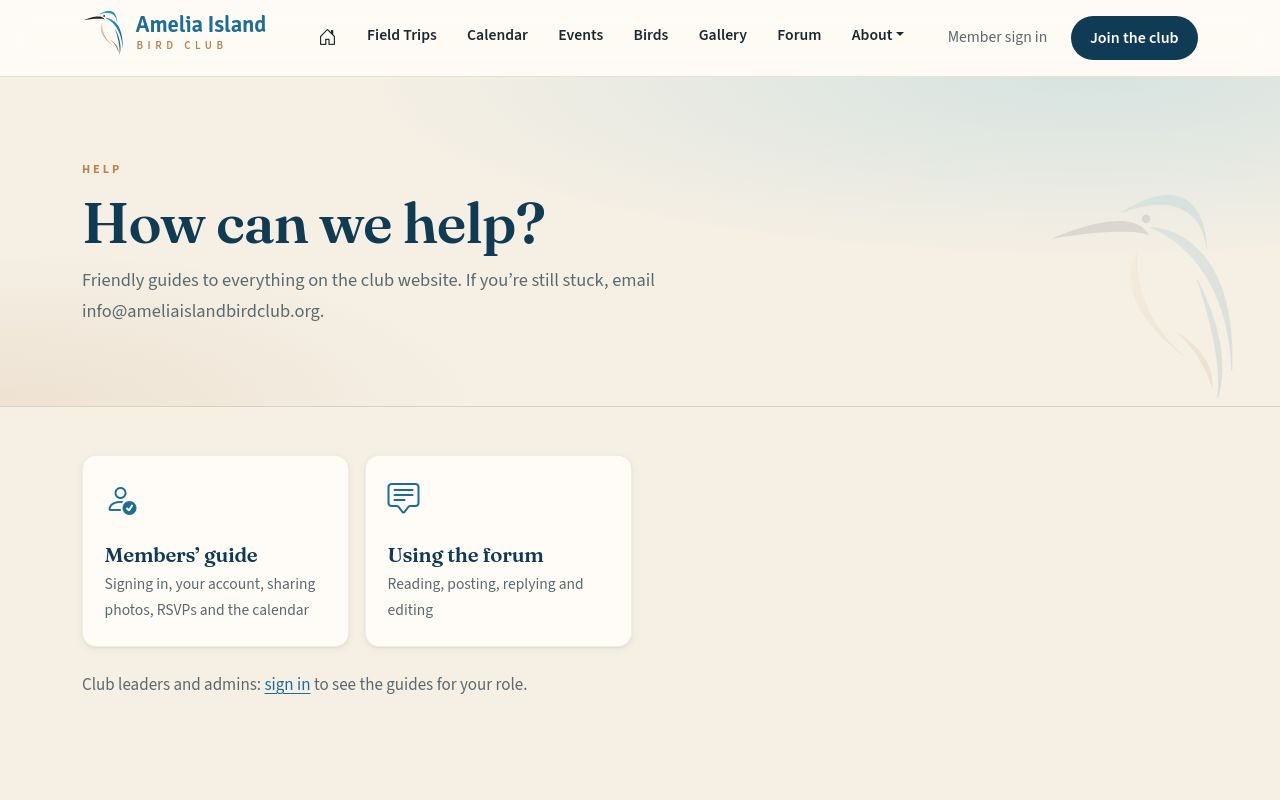
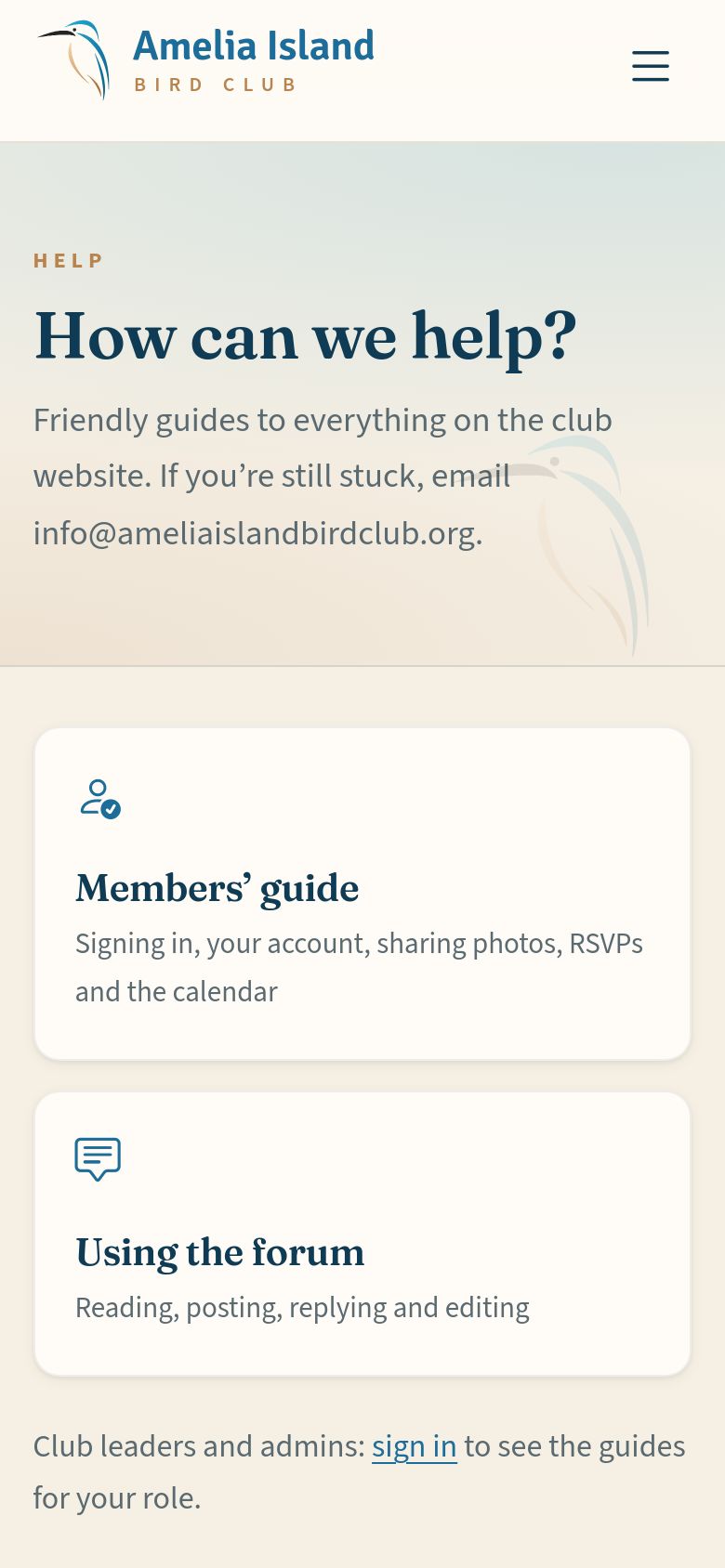
Behind this tour sits a full help system: friendly step-by-step guides with a picture for every screen — signing in, your account, sharing photos, RSVPs, the calendar on your phone and the forum. It’s written to match the website exactly and kept up to date as it changes.

Help knows who you are. The Help page shows the guides that fit you: everyone sees the Members’ guide and the forum guide, and moderators, message-board writers and site administrators each find their own guide there too once they’re signed in. Still stuck? Email info@ameliaislandbirdclub.org.

The Help page.
The Help page.
The Help page.
The Help page.

That’s the tour!

Come back any time for a refresher — the tour is always here:

Where to find this tour again Menu bar ▸ About ▸ Website tour The ☰ menu button ▸ About ▸ Website tour

And for step-by-step instructions, Help is always one tap away.

Go to the home page Open Help Request membership